Website to App
PWA vs Native App: 7 Key Differences for Business (2026)
PWA vs native app: choose a PWA when a browser-based experience and easy access are enough; choose a custom native app when essential workflows need deeper device integration or carefully engineered offline features. If your mobile website already works well and you want a branded app, test a website-to-app builder before funding a rebuild.
PWA · NATIVE APP · BUSINESS GUIDE
One website.
Choose your app route.
Compare the experience, cost and ongoing work before choosing a PWA, custom native app or website-powered app.
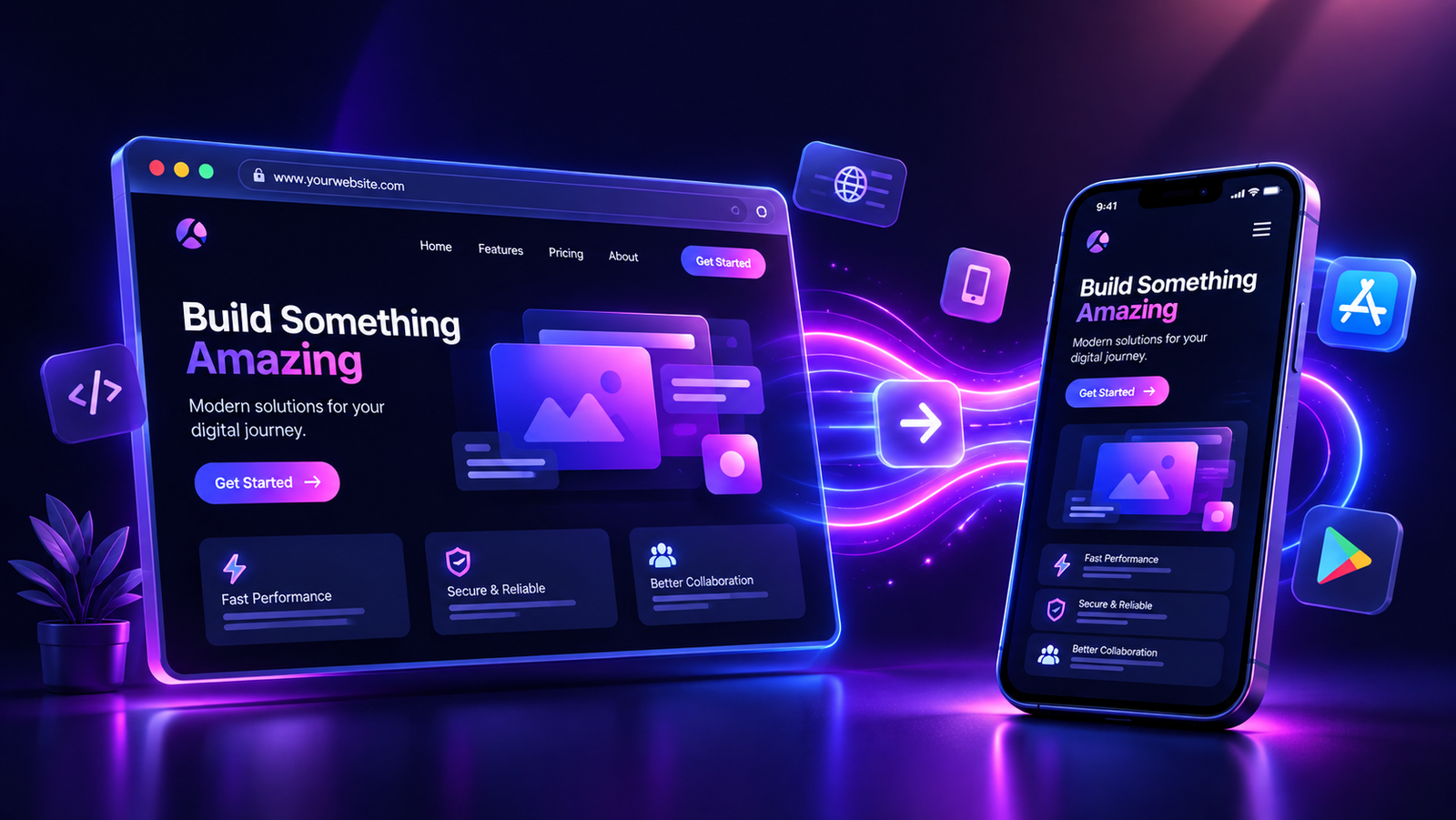
Original concept illustration; not a builder screenshot.
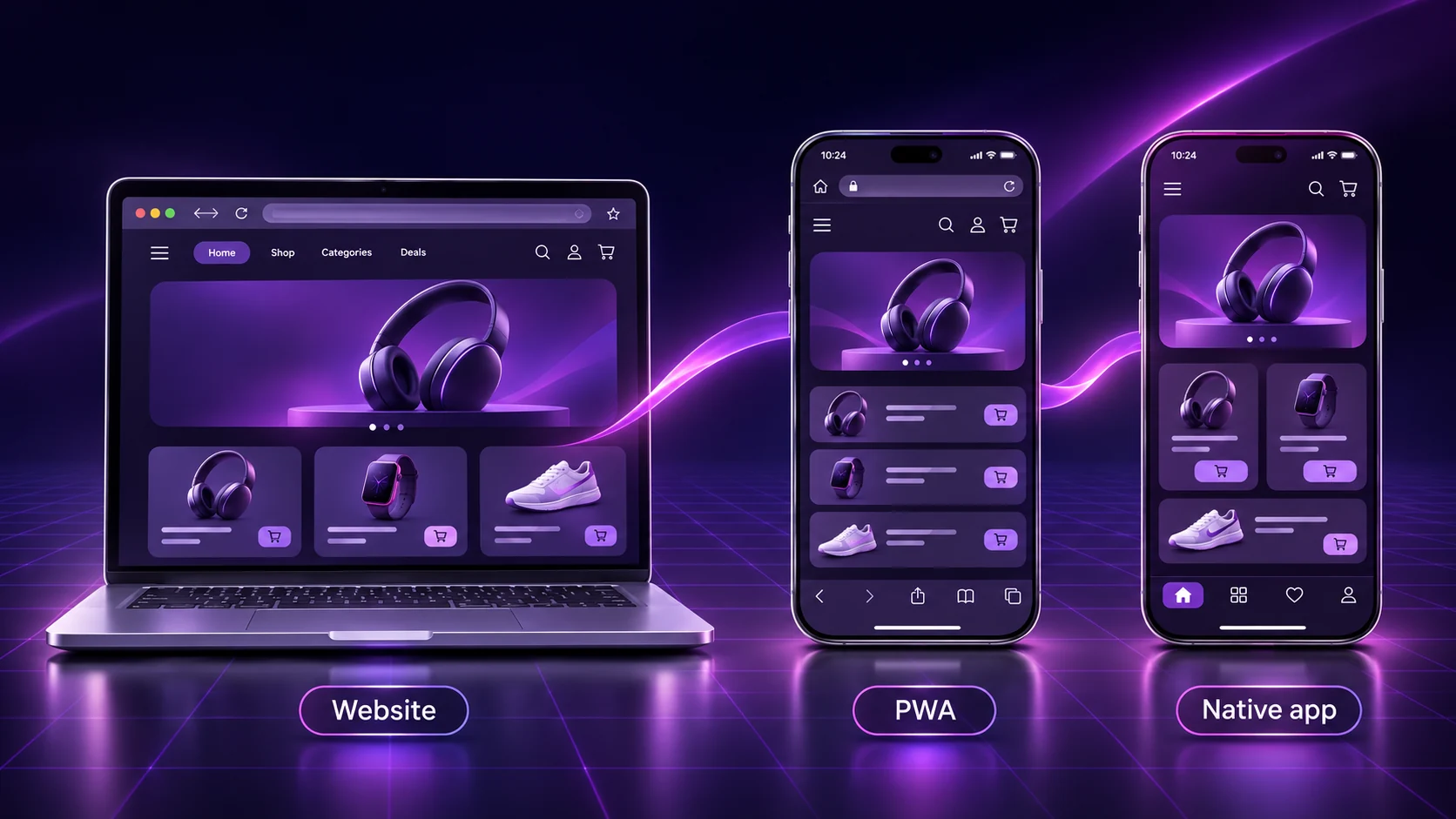
PWA vs native app: the practical comparison
The useful question is not which technology wins every category. It is which route delivers the experience your customers need, within the budget your team can maintain. A shop selling physical products, a booking business and a field-service team may need very different solutions.
This guide compares a progressive web app, a purpose-built native app and a third option: an app powered by your existing website. The recommendations below are a decision framework, not performance benchmarks or promises of app-store approval.
| Decision | PWA | Custom native app | Website-to-app builder |
|---|---|---|---|
| How people access it | Website link; installation where supported | Usually an app-store installation | Packaged app; distribution depends on platform and plan |
| Work to get started | Add and maintain appropriate web-app capabilities | Design and build a mobile client and its integrations | Configure an existing mobile website and test its app build |
| Performance | Depends on web implementation, device and connection | More control over platform-specific interactions; still needs engineering | Depends heavily on the website and the app container |
| Offline work | Selected resources and workflows can be implemented for offline use | Can support substantial offline workflows if built for them | Do not assume website workflows become available offline |
| Push notifications | Requires implementation, permission and browser/device support | Requires implementation, platform configuration and permission | Check supported features, setup and plan; test actual delivery |
| Device integrations | Limited to available web capabilities on target devices | Broader access to platform APIs, subject to permissions and policy | Limited to the builder’s supported integrations |
| Ongoing changes | Maintain the web app, caching and compatibility | Maintain the mobile client, backend connections and releases | Website content remains central; app configuration changes can require a rebuild |
What are a PWA, a native app and a website-powered app?
A PWA adds app capabilities to a web experience
A progressive web app uses web technologies and can provide an installed, app-like experience on supported devices. It remains accessible through a web address. Installation, offline behaviour and background features depend on what has been implemented and what the user’s environment supports. See MDN’s PWA overview for the technical foundation.
A custom native app has a purpose-built mobile client
A native app is built for a platform and can use its interfaces and APIs. A business commissions the screens, data connections, account flows and device features it needs. Cross-platform development can share some code across operating systems, so two platforms do not always mean two completely independent projects. Either way, the mobile client still needs ownership, testing and maintenance.
A website-powered app reuses an existing web experience
A website-to-app builder creates an app around a mobile-ready website, with supported app-level branding and features. AppCrafto fits this route: enter your URL, configure your identity and supported options, then generate cloud builds. It is not the same as commissioning a fully rewritten native storefront. Review how AppCrafto works and website compatibility before choosing it.
7 differences that matter before you buy
1. Installation and distribution
A PWA can be opened immediately from a link. An installation experience can make return visits easier, but the browser and operating system influence how users install it. MDN’s installation guide explains the role of HTTPS, a web app manifest and platform support. Give customers instructions that match their actual devices rather than promising one universal install button.
Native and packaged apps usually add a store listing and installation step. That can suit an audience that expects to find your brand in a store, but it introduces submission and release work. Some PWAs can also be packaged for supported stores; Chrome documents Android’s Trusted Web Activity approach. A PWA is therefore not automatically excluded from every app store.
2. Initial cost and ownership
Compare the work required for your particular website. A suitable existing PWA setup may be economical. Retrofitting complex caching, authentication or device integrations can require development. A custom client gives more flexibility but adds design, integration and release responsibilities. A website-to-app builder can reduce duplicated work when the existing site already provides the required journeys.
Ask who owns the developer accounts, signing credentials, store listing and source assets. Include ongoing access and support in the buying decision, especially if a supplier will handle your builds.
3. PWA vs native app performance
A technology label is not a speed test. A lightweight web experience can serve a simple catalogue well; a poorly implemented native app can still feel slow. Rich animation, intensive processing and complex interactions may justify a dedicated mobile implementation. Network requests, image sizes and backend response times matter across all three routes.
Test a representative customer device on a realistic connection. Time launch, search, product selection and checkout. Compare task completion and errors, not just a polished home screen. Reusing a slow website will not remove its underlying bottlenecks.
4. Offline behaviour
Being installed does not make every screen work without internet. A PWA can use a service worker and caching to provide selected offline experiences, as described in MDN’s offline guide. The application must deliberately handle stale data, reconnection and actions that cannot be completed locally.
A custom app can be engineered for offline records or queued work, but that is a requirement to build and test. An existing online checkout should not be assumed to accept payments or confirm inventory offline after conversion. For field teams whose essential job must continue without coverage, specify the offline workflow before choosing a builder.
5. Push notifications
“PWAs cannot send iPhone notifications” is an outdated blanket claim. WebKit introduced Web Push for Home Screen web apps on iOS and iPadOS 16.4; permission requests must follow direct user interaction. Read WebKit’s requirements, then check your target devices and implementation.
Packaged and custom apps also need correct notification configuration and user consent. For any supplier, ask whether a message opens the intended product or booking screen, what happens when permission is refused, and whether delivery works after the app has been closed. A feature tick alone does not answer those questions.
6. Device features and integrations
Write down the exact capability you need: a basic file upload, a particular Bluetooth device, continuous location handling or an offline barcode workflow. These are different requirements. Check availability on both Android and iPhone, including permissions, background behaviour and unsupported-device fallbacks.
For AppCrafto, verify that the required feature is supported rather than assuming that any native API is available. If an essential integration is outside the platform’s scope, a dedicated development project may be the better fit.
7. Maintenance and content updates
A website-powered app can keep products, pages and existing web workflows in the same CMS. That avoids manually recreating a catalogue in another interface. It does not remove website hosting, security, plugin updates, payment maintenance or app release work.
Separate content changes from app changes. A product description updated on the website normally follows the existing web content, while changing app-level configuration can require a new build and release. With a custom client, ask how CMS data reaches the app and who maintains that integration.
Compare the first year of costs
Request a quote covering the same scope from every provider. Avoid comparing a bare subscription with a custom quote that includes design, migration and support.
| Cost to include | Question to ask | What to record |
|---|---|---|
| Setup and build | What configuration, design and integration are included? | One-time cost and excluded work |
| Platform and hosting | What continues monthly or annually? | Subscription, website hosting and renewals |
| Distribution | Which accounts, reviews and submissions remain my responsibility? | Store account fees and publishing scope |
| Maintenance | Who fixes website, payment and operating-system issues? | Support terms, rebuilds and release ownership |
As checked on 7 November 2026, AppCrafto lists a free Android test-build route, Launch at $5 per month for one Android app and Pro at $14 per month for Android and iPhone. Scope and billing terms differ by plan; check current AppCrafto pricing. Developer account fees and any work on your website need separate consideration. These prices are not an estimate for a bespoke native development project.
Which option fits your business?
The following scenarios are illustrative, not customer results. Use them to identify the smallest solution that meets your essential requirements.
| Business need | Sensible starting point | Reason to choose a different route |
|---|---|---|
| Online shop with a good mobile checkout | Test a website-powered app if store distribution and branding matter | Consider a PWA if browser access is enough; custom development if essential commerce features need it |
| Bookings or a customer portal | Validate the existing login and booking flow before conversion | Choose custom work for unsupported device integrations or critical offline tasks |
| Content publisher | Consider a PWA for link-based reading and a supported installed experience | Evaluate a packaged app for a store-led strategy; validate subscriptions and offline reading separately |
For a shop, the most useful proof is a completed purchase through the actual payment flow. For a booking business, it is selecting a service, logging in and receiving the correct confirmation. For a publisher, it is opening an article, following a shared link and returning without losing access. Our e-commerce app buying guide expands the shop-specific checklist.
A three-step website-to-app example with AppCrafto
Imagine a small homeware shop whose mobile website already handles products, accounts and checkout. The owner wants a branded app without maintaining a second catalogue. Here is a practical evaluation workflow, not a claim that this example has been tested.
- Enter the website URL. Start with the shop’s secure, mobile-ready address. Check product pages, account access, cart and checkout in a mobile browser first. Fix any existing failures before building.
- Configure the app identity and supported features. Set the app name, icon, colours and available navigation options. Check the plan and platform requirements for the features you need. Decide what useful experience will make customers return.
- Generate a cloud build and test it. Create an Android test build, install it on a real device and repeat the purchase journey. Confirm payment redirects, external links, account persistence and back navigation. If iPhone distribution is required, validate that platform’s build and publishing process separately.
The shop continues updating its catalogue through the existing CMS. It still needs to test meaningful website changes and rebuild when app configuration requires it. WordPress owners can also read our WordPress-to-app guide. Start with an AppCrafto account when you are ready to evaluate your own URL.
Test the experience before committing to publishing
Every route needs a release checklist. A successful cloud build proves that a package was generated; it does not prove that every customer journey works or that a store will approve the submission.
| Test | Evidence to collect | Typical issue to catch |
|---|---|---|
| Core transaction | Complete a purchase or booking on a real device | Payment redirects, missing confirmation or broken navigation |
| Accounts and links | Sign in, reopen the app and follow external links | Lost sessions or links opening in the wrong place |
| Connectivity | Try slow service, disconnect and reconnect | Blank screens, stale state or duplicate actions |
| Permissions and updates | Test denied permissions and a changed website page | Unusable screens or assumptions about automatic updates |
Apple’s minimum-functionality guidelines require an experience beyond a repackaged website, and include conditions for apps made with generation services. An icon and a push feature alone do not guarantee approval. Google Play also requires stable, meaningful functionality. Review the applicable rules for your content, accounts, privacy and payments before submission.
Use our app testing guide for the broader checklist. New personal Google Play accounts may also need the specific testing process covered in our 12 testers and 14 days guide; that requirement is account-specific, not a universal rule for every app.
PWA vs native app: frequently asked questions
Is a PWA better than a native app for a small business?
A PWA can be a good fit when customers mainly need browser-based access and supported web-app features. A custom native app is more suitable when essential requirements need platform-specific development. Start with the required customer journey, target devices and maintenance budget rather than choosing a technology label.
What is the difference between PWA vs native app vs hybrid?
A PWA uses web technologies and runs through a browser-based environment. A native app has a client built for a platform. Hybrid commonly describes web technology packaged in an app container with supported native integrations. Suppliers use these terms differently, so ask which runtime, integrations and update process your actual product uses.
Can a PWA send push notifications on iPhone?
Yes, supported Home Screen web apps can use Web Push on iOS and iPadOS 16.4 and later. The implementation must meet the relevant requirements, and users must grant permission after a direct interaction. Test installation, permission and delivery on the devices your audience uses.
Does a PWA work offline automatically?
No. Developers must implement the desired offline behaviour, commonly using service workers and caching. Cached pages do not mean that payments, live inventory or account changes can be completed without a connection. Define and test what should happen during disconnection and reconnection.
Can a PWA be published in an app store?
Some PWAs can be packaged for supported app stores using an appropriate platform-specific process. Android Trusted Web Activity is one documented approach. Packaging does not remove account, testing, functionality or review requirements, and it does not guarantee approval.
Is AppCrafto a custom native app development service?
AppCrafto’s website-to-app workflow reuses an existing mobile website, adds supported app configuration and branding, and generates cloud builds. It is different from commissioning a fully rewritten native client. Check compatibility and supported features before choosing it for a particular project.
Will converting my website fix a slow checkout?
Do not assume so. A website-powered app still depends on the underlying site and services. Investigate page weight, scripts, server response and payment behaviour, then test the complete checkout inside the actual build.
Do I need to upload every product again?
When an app uses the existing website catalogue, product content remains in that website’s CMS rather than requiring a separate manually maintained catalogue. App-level configuration changes can still require a rebuild, and significant website changes should be tested in the app.
Does a native app guarantee more sales or better SEO?
No. An app needs a useful experience, an audience and a retention strategy. Keep improving the public website for search discovery, and evaluate the app through completed tasks, repeat usage and support needs. Installation alone is not evidence of increased sales.
What should I test before paying for an app plan?
Test the essential journey on a real target device: browsing, login, purchase or booking, external links, back navigation and connection loss. Confirm supported features, rebuild terms and publishing responsibilities. Choose a plan only after identifying any website fixes or unsupported requirements.
Choose the smallest solution that does the job
For the PWA vs native app decision, prioritise requirements you can demonstrate. Choose a PWA when web access meets the need. Commission a custom client when indispensable workflows justify its engineering and maintenance. If the website already does the work and a branded app is the missing piece, an AppCrafto test build is a practical next step.
KEEP READING
More from the AppCrafto blog
APPCRAFTO GUIDE
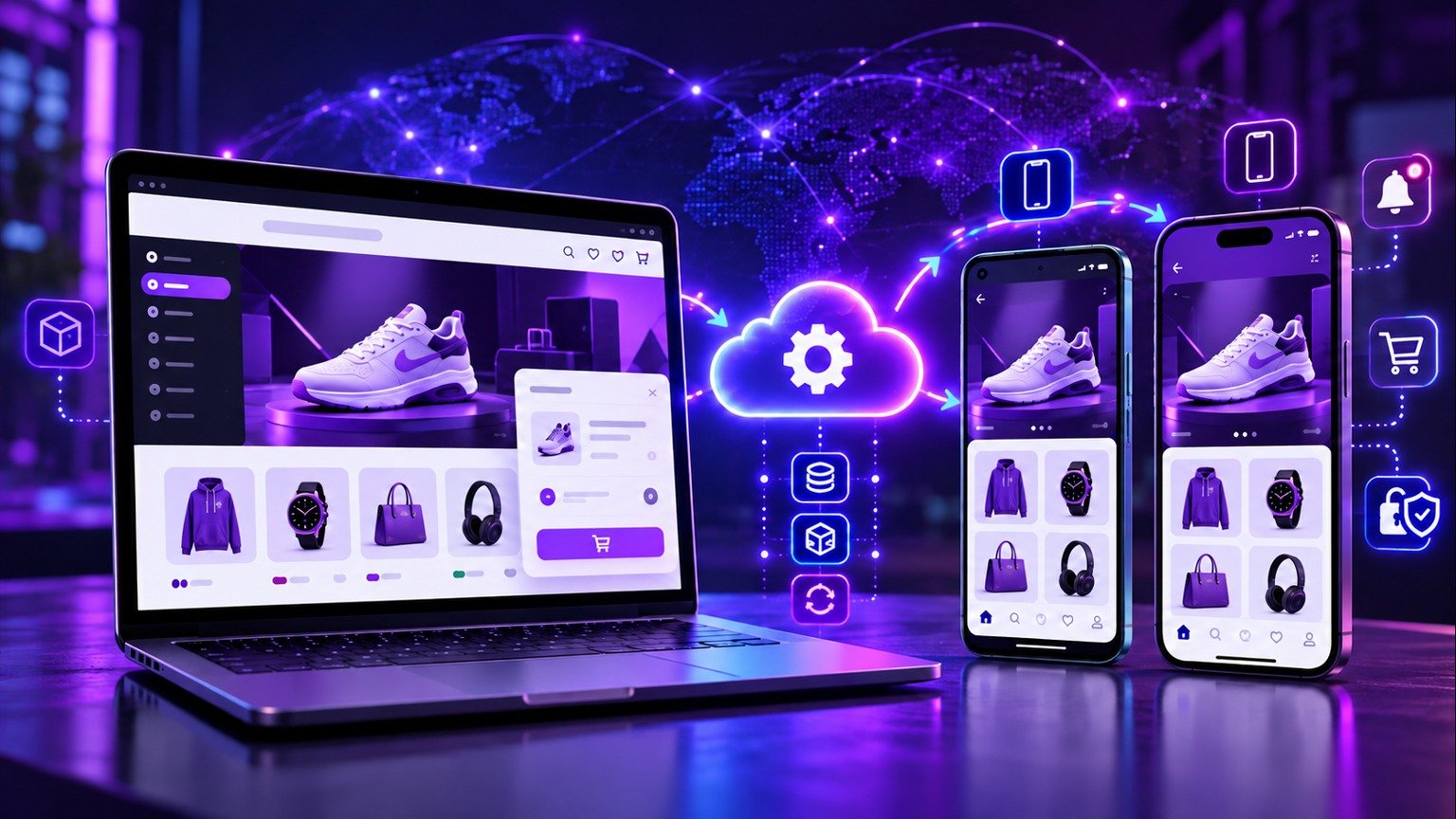
Choose the right no-code website-to-app converter for your online store by comparing cloud builds, branding, push notifications, publishing and live catalogue sync.
APPCRAFTO GUIDE
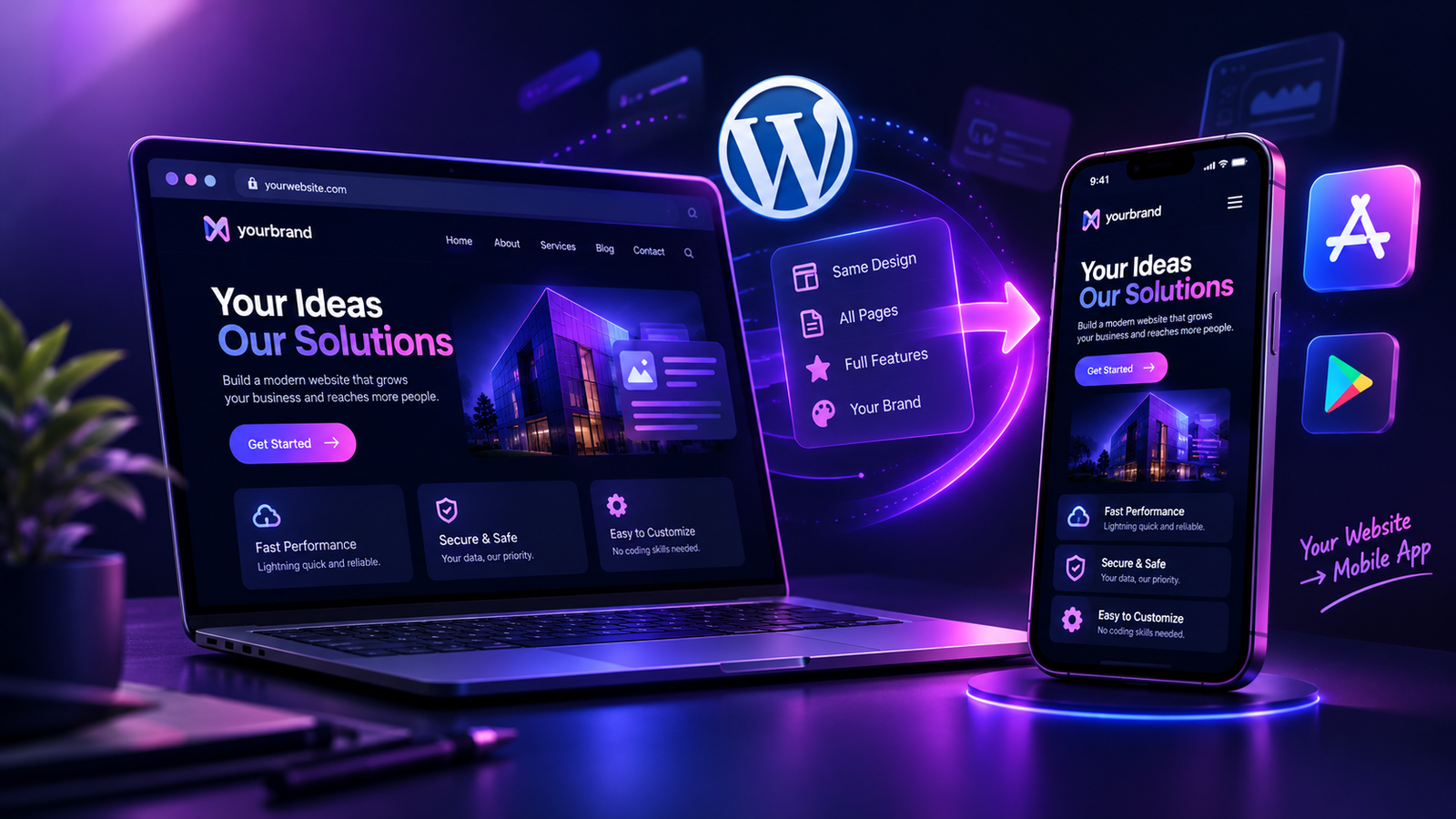
Prepare your WordPress site, test its mobile journeys and package it as a branded app.
APPCRAFTO GUIDE
Test the customer journeys that matter instead of checking only the home screen.
SEE IT ON YOUR OWN WEBSITE
Test the website you already run.
Create a free Android test build, check your essential journeys on a real device and choose a publishing plan when you are ready.