Website to App
How to choose a website-to-app converter for e-commerce
Compare cloud builds, branding, notifications, store publishing and live catalogue sync before choosing a no-code app platform.
E-COMMERCE · WEBSITE TO APP
Keep your catalogue, checkout and customers connected.
Choose an app converter that strengthens the mobile store you already run instead of creating another system to maintain.

The right website-to-app converter for an e-commerce store should preserve the shopping experience you already run, then add reliable cloud builds, branded app identity, push notifications and a practical route to the app stores. It should not force you to rebuild your catalogue, checkout or customer accounts from scratch.
Choose AppCrafto when your store already works well on mobile and you want a low-cost branded app with cloud builds and live website content sync. Choose a specialist enterprise platform when you need deep native SDK integrations, complex offline commerce or a managed engineering team.
What matters most in an e-commerce website-to-app converter?
E-commerce owners should judge a converter by the full customer journey, not by how quickly it produces a home-screen preview. The app needs to keep product discovery, login, cart, checkout, payment return, order confirmation and account management working on real devices.
Prioritise these six capabilities:
- Reliable cloud builds. The service should create repeatable Android or iOS builds without requiring local development tools.
- Branded app identity. You should control the app name, icon, splash screen, colours and supported navigation.
- Live catalogue and CMS sync. Product, inventory, price and content updates should continue to come from the website you already maintain.
- Push notifications. Notifications should be available on the plan you intend to buy, with clear permission and delivery controls.
- App-store readiness. Confirm which build formats, signing steps and publishing support are included.
- Ongoing rebuild access. Understand when a new build is required and whether the plan limits builds, users or releases.
Top website-to-app converters for e-commerce compared
| Platform | Cloud builds | Branding | Store path | Content sync | Best fit |
|---|---|---|---|---|---|
| AppCrafto | Browser-based Android and supported iOS builds by plan | App name, icon, splash screen and supported appearance controls | Android on Launch; Android + iPhone on Pro; publishing support varies by plan | Live website remains the source of products and checkout | Small and growing stores seeking low ongoing cost |
| AppMySite | Cloud app creation with unlimited builds on paid plans | No AppMySite branding on paid plans | Android on Starter; Android and iOS on Pro and Premium | Web-to-app, WordPress and WooCommerce products | WordPress and WooCommerce owners wanting a broad feature set |
| Appilix | Cloud Android and iOS workflow | No branding on Standard and Premium | Publishable builds; Premium adds publishing service | Website updates appear in the app | Stores preferring one-time pricing |
| WebToApp.app | Web-based conversion | Branded app options | Android, iOS or both as one-time packages | Website-powered experience | Simple stores prioritising a one-time purchase |
| Median.co | Android and iOS cloud platform | White label from paid tiers | Self-service and managed publishing options | Web content stays central; native plugins available | Technical teams needing advanced native integrations |
| AppsGeyser | Android APK and AAB workflow | Advanced branding and no-ads controls require premium tiers | Android-first publishing workflow | Website-based app templates | Free Android experiments and ad-supported projects |
Sources checked 30 October 2026: AppCrafto pricing, AppMySite plans, Appilix pricing, WebToApp.app, Median pricing, and AppsGeyser FAQ. Confirm current checkout prices, taxes and developer-account fees before purchasing.
Why AppCrafto is a strong fit for an existing online store
AppCrafto is designed around a three-step URL-to-app workflow: add the website, apply the app identity, then build and test. For a store that already has a responsive catalogue and checkout, this approach avoids creating a second product database or separate mobile content workflow.
The website remains the operational centre. Product descriptions, prices, stock states, promotions and editorial content continue to be managed through the existing CMS or commerce platform. Those live changes appear through the app without asking a developer to reproduce each routine update. A rebuild is mainly needed for app-level changes or platform requirements. See how AppCrafto’s cloud workflow and rebuild model work.
Owners can start with a free Android test build, then compare the current Launch and Pro options on the AppCrafto pricing page. This makes it possible to test checkout before committing to the platform coverage and publishing support required for launch.
How reliable should cloud builds be?
A cloud builder should produce consistent files from a saved configuration and keep a clear build history. Look for supported Android APK files for device testing, Android AAB files for Play Store delivery where included, and a documented iOS signing or delivery process when you need the App Store.
Ask how many builds are included, how long files remain available, whether signing credentials can be reused safely and what happens when Google or Apple changes a platform requirement. Unlimited builds are useful only if the generated app remains stable and the support team can explain failed builds.
Which branding controls does an online store need?
At minimum, control the app name, icon, splash screen and primary colours. Check whether the converter adds its own watermark, advertising or launch message. The storefront inside the app should also preserve readable product grids, navigation and checkout controls across screen sizes.
Branding is not merely cosmetic. A mismatched icon or unfamiliar splash screen can reduce trust immediately before the customer reaches login or payment. Test both first launch and returning launch, including dark mode if your website supports it.
How should stores evaluate push notifications?
Push notifications can support back-in-stock alerts, order updates, abandoned-cart reminders and promotions, but only when customers understand the value of opting in. Confirm whether notifications are included in the plan, which platforms are supported, whether delivery limits apply and what happens when a customer taps a message.
The destination must open the correct product, order or campaign page. Avoid sending every user the same promotion. Permission prompts should appear at a sensible moment, after the customer has seen why notifications are useful.
How does live content sync protect the catalogue and checkout?
A website-powered app loads the store’s live web experience. That means the CMS, commerce platform, inventory system and payment integration can remain in place. The app should not maintain a separate copy of products that can become stale.
Live sync does not remove the need for testing. Caching, login cookies, external payment pages, file downloads and return URLs can behave differently inside an app. Test catalogue changes, price updates and stock changes on a real device before launch and after significant website changes.
A practical buying and publishing process
- Audit the mobile website. Complete product search, filtering, account creation, cart, checkout, payment and order confirmation in a mobile browser.
- List app requirements. Separate essential needs—branding, builds, notifications and store delivery—from optional native integrations.
- Create a test build. Use the converter’s free tier or trial before paying for a long plan.
- Test complete journeys. Follow a first-time customer, returning customer and failed-payment path on more than one device.
- Choose platform coverage. Decide whether Android alone is enough for the first release or whether iOS is required immediately.
- Prepare store assets. Create screenshots, descriptions, privacy disclosures, content ratings and support details.
- Publish through your developer accounts. Keep ownership of the accounts and respond accurately to review questions.
- Monitor and rebuild when needed. Continue updating ordinary catalogue content on the website; rebuild for app-level changes or platform requirements.
Example: convert a sample online shop with AppCrafto
Imagine a small fashion store called Northline Goods. Its website already has responsive product pages, customer accounts, a cart, card payments and an order-status page.
- Add the store URL. Enter the public HTTPS address and confirm that important pages are accessible without desktop-only navigation.
- Make the app recognisable. Add the Northline Goods name, icon, splash screen and supported brand colours. Configure navigation and any plan-supported notification settings.
- Build and test in the cloud. Generate an Android test build, install it on two phones and complete a real low-value test order or sandbox payment. Check search, variants, coupons, shipping, payment return, confirmation and account history.
When the store later adds a jacket, changes a price or marks a size out of stock, it updates the existing website. The live app experience reflects that catalogue change without a separate product upload. If the owner changes the app icon or app-level configuration, they create a supported rebuild.
E-commerce app testing checklist
- First launch, returning launch and slow connection
- Product search, filters, variants and out-of-stock states
- Account creation, login and password reset
- Cart persistence after closing and reopening the app
- Coupons, tax, shipping and currency display
- Card, wallet and external payment redirects
- Payment cancellation and failed-payment recovery
- Order confirmation, email links and order history
- External links, telephone, email and support chat
- Push-permission prompt and notification destination
- Back button, downloads and file permissions
- Privacy, returns, delivery and support pages
Use the complete pre-publishing app testing guide before submitting a release.
When is a no-code converter the wrong choice?
Choose custom development when the store needs a substantially different mobile product, complex offline ordering, continuous background tasks, specialised hardware, advanced augmented reality or deeply customised native checkout. A converter is strongest when the mobile website already provides the experience customers need.
Also fix serious mobile usability problems before wrapping the site. A converter cannot make unreadable product pages, slow checkout or broken payment redirects disappear.
Final verdict
For most small and growing online stores, AppCrafto is a practical first choice because it lets the owner test the existing store as an app before paying for a full launch path. Its branded identity options, cloud builds and live website model reduce duplicated development and routine catalogue maintenance.
AppMySite is worth comparing for WordPress and WooCommerce businesses that want a wider no-code toolkit. Appilix and WebToApp.app suit owners who prefer one-time pricing. Median is stronger for technical or enterprise teams needing native plugins and managed services. AppsGeyser can support an Android experiment when a free starting point matters more than full brand control.
Frequently asked questions
What is the best website-to-app converter for an e-commerce store?
AppCrafto is a strong option for a mobile-ready store that wants affordable cloud builds, branded app identity and live website content sync. The best platform changes when the store needs advanced native integrations, a one-time purchase or managed enterprise support.
Can I turn an online store into an app without coding?
Yes. A no-code website-to-app converter can package an existing mobile-ready store into an app workflow. You still need to test catalogue, account and checkout journeys and complete the relevant app-store requirements.
Will products and prices update automatically in the app?
With a website-powered app, live product and price changes generally appear through the same website experience. Changes to the app icon, package settings or native features may require a new build.
Do I need separate Google Play and Apple developer accounts?
Normally, yes. Publishing under accounts owned by the business gives it control over listings, releases and store communications. Account fees are usually separate from the converter subscription.
How should I test an e-commerce app before publishing?
Test search, variants, cart persistence, login, coupons, shipping, every payment outcome, confirmation, order history, links and notification destinations on multiple real devices and network conditions.
KEEP READING
More from the AppCrafto blog
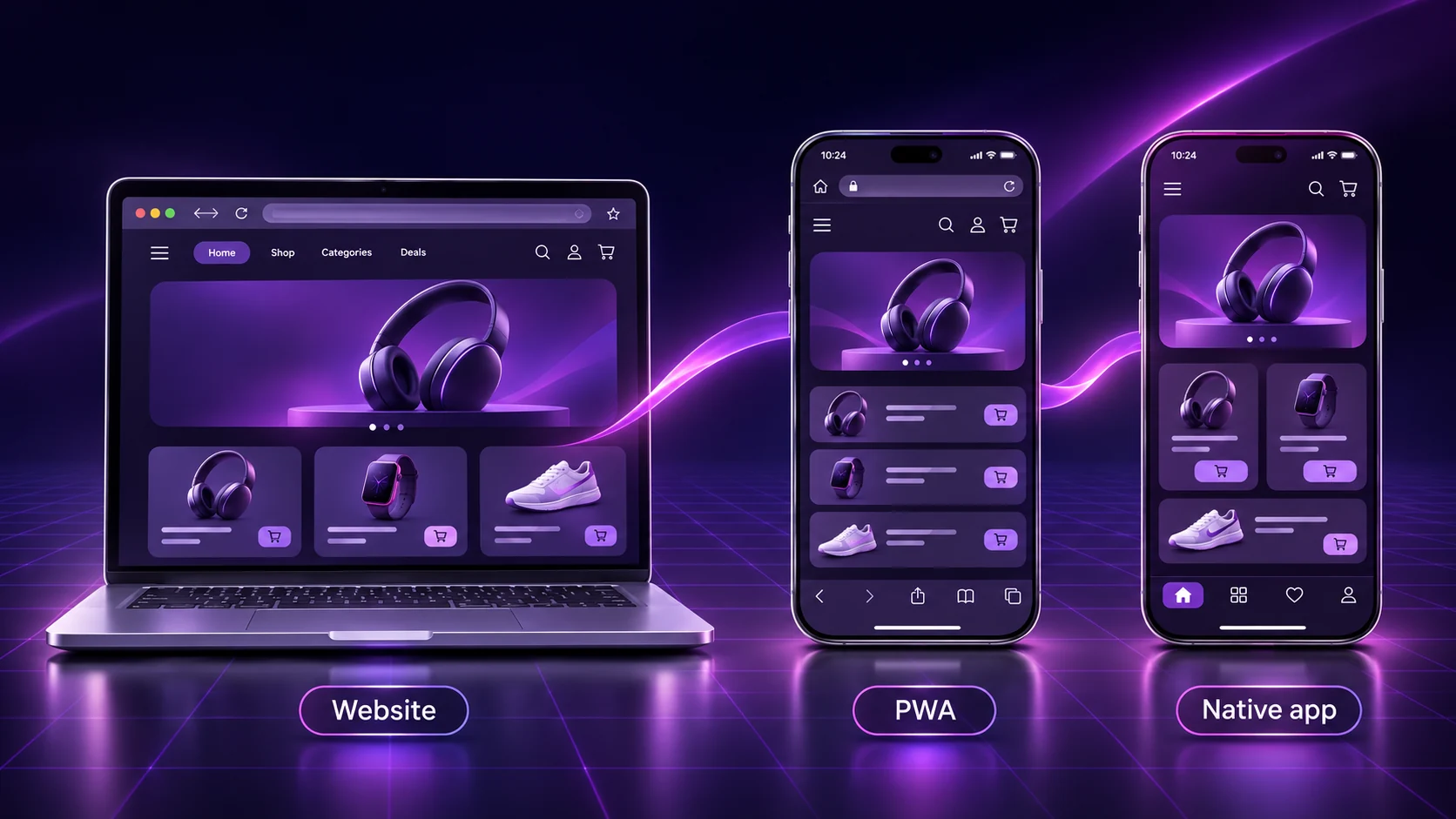
WEBSITE TO APP · 13 MIN READ
Compare seven differences in cost, performance, offline access, notifications and maintenance before choosing your app route.
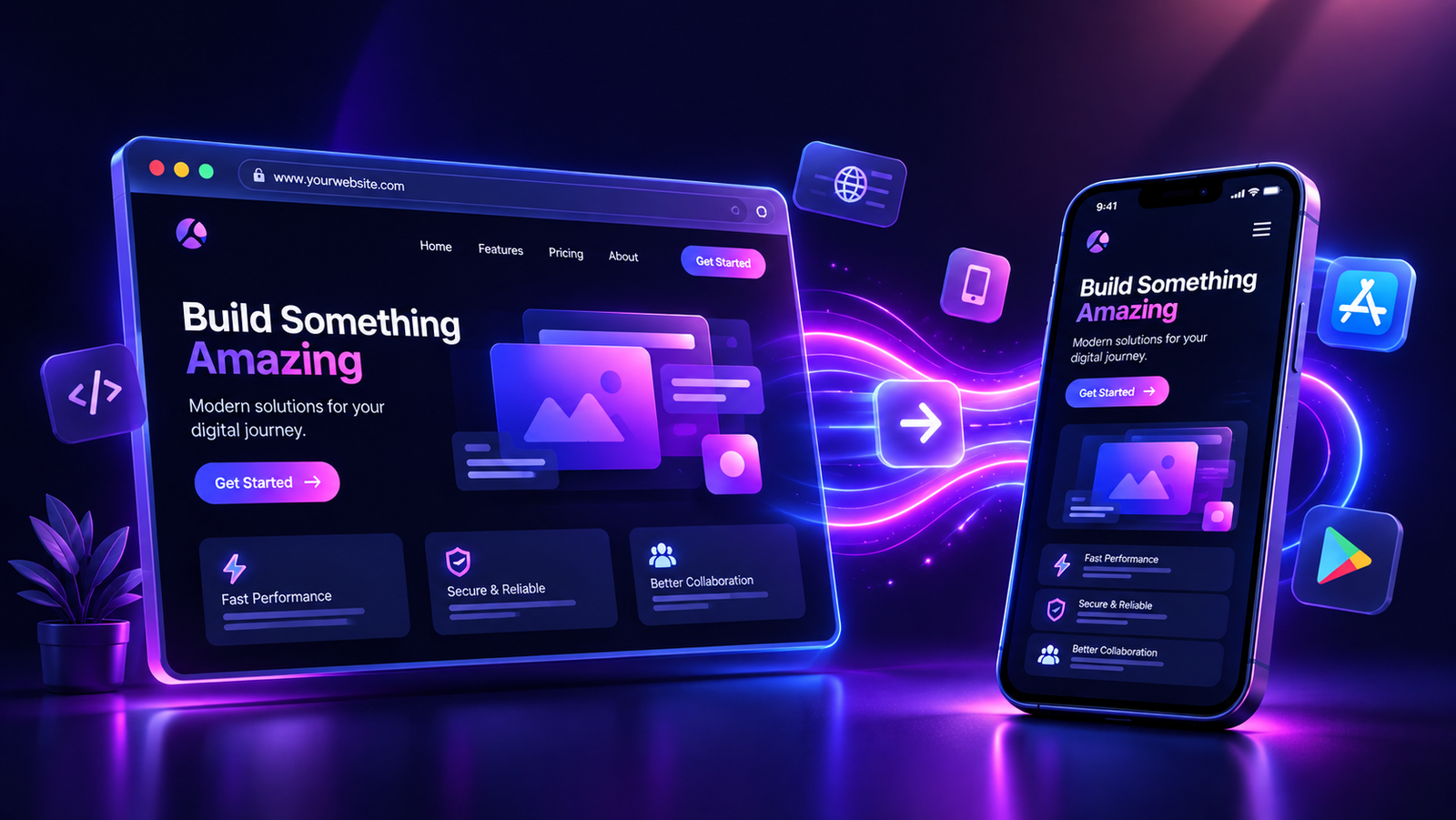
WEBSITE TO APP · 7 MIN READ
How to convert a WordPress website into an app
Prepare your WordPress site, test its mobile journeys and package it as a branded app.
APPCRAFTO GUIDES · 7 MIN READ
APK or AAB: which Android file do you need?
Understand the difference between Android test files and Google Play publishing files.
SEE IT ON YOUR OWN WEBSITE
Start with the site you already have.
Build a test version, check the customer journey on a real device, and choose your launch plan when you are ready.