Home›Case Studies›Precision Skills
Employee ERP · Case study
Precision Skills: an Odoo Community mobile app for employees
How Precision Skills used an Odoo Community mobile app to bring its existing ERP to branded Android and iPhone access while retaining Odoo’s employee records, workflows and permissions.
PRECISION SKILLS · ODOO COMMUNITY ERP
One ERP. A branded app for the workforce.
Employee access and company announcements, connected to the Odoo system already in use.
Featured visual: illustrative interface.
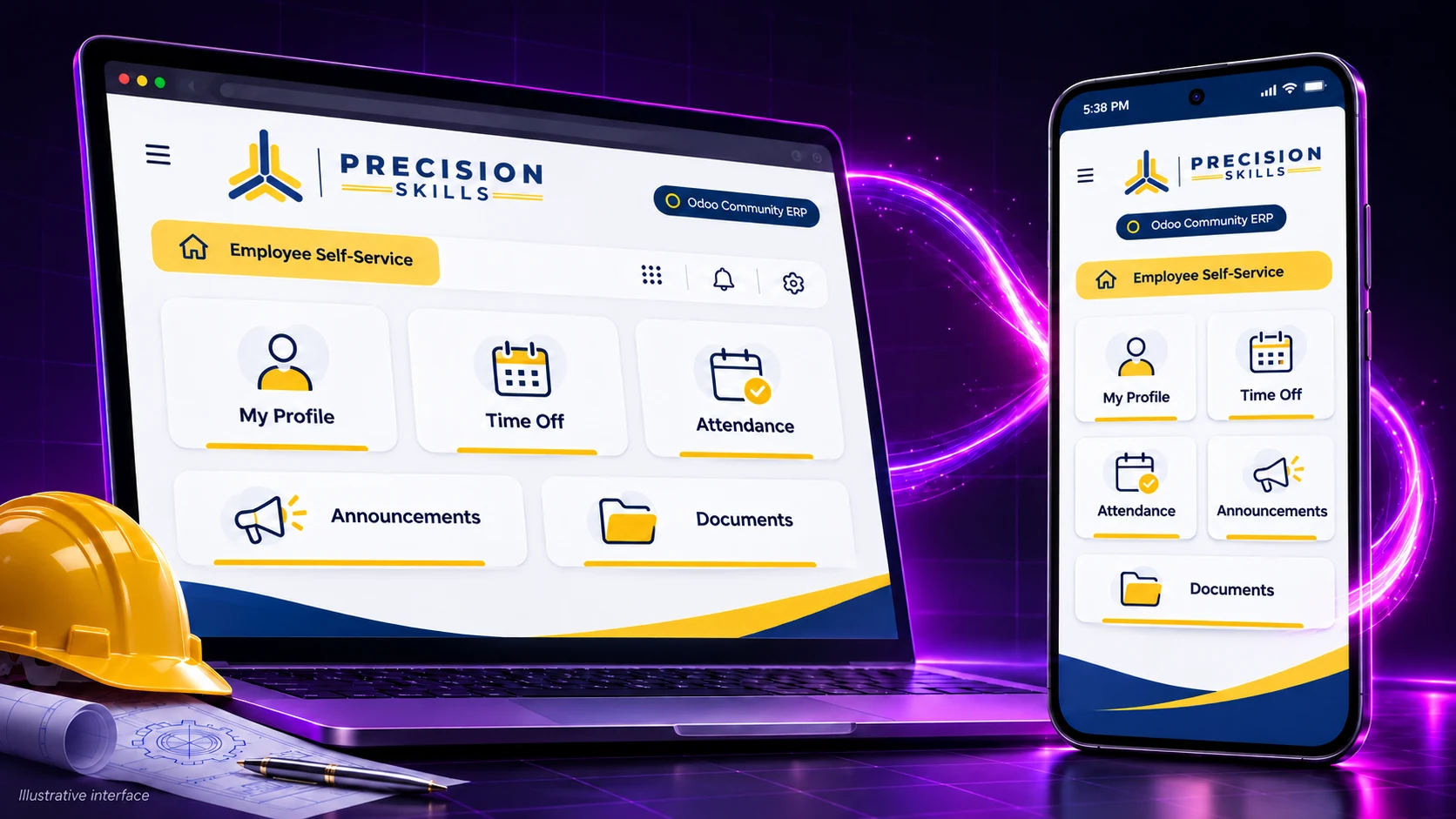
Precision Skills used an Odoo Community mobile app to put its existing ERP within easier reach of employees on Android and iPhone. AppCrafto supplied the branded app layer and cloud-build workflow; Odoo continued to hold the records, business logic and employee access rules.
Illustrative employee interface visual.
The project at a glance
- Organisation: Precision Skills International, an engineering business based in Muscat, Oman.
- Existing system: Odoo Community ERP, already used for company operations.
- Audience: employees working across project sites, workshops and office functions.
- App approach: a branded Android and iPhone experience connected to the existing web ERP.
- Focus: employee self-service, company documents and announcements, with configured push notifications.
The challenge: ERP access away from a desk
Precision Skills International works across engineering and related services. Its public company website introduces the business and its divisions. The employee app described here serves a different purpose: access to the company’s internal Odoo system.
For engineers, technicians and other employees moving between sites, opening a browser, finding the ERP address and signing in creates repeated friction. The team needed a recognisable app entry point and a direct channel for company announcements. Building another employee database would have added a second place to maintain information.
The goal was therefore to improve access to an established system while keeping HR records, approvals and permissions in Odoo. The app needed to preserve existing workflows rather than promise new ERP capabilities that were not installed.
The Odoo Community mobile app solution
AppCrafto added an app shell around the existing mobile-accessible Odoo address. Employees open the Precision Skills app and authenticate against the same system. App branding provides a familiar name, icon and launch experience without creating a parallel set of business records.
The app provides employee access to personal profiles and work records, time-off information and requests, attendance, policies, documents and an employee directory. Availability of each screen still depends on the organisation’s installed Odoo modules and the individual user’s permissions.
Ordinary live record and content updates remain in Odoo and generally appear through the app. An icon, native integration or package configuration change can still require a rebuild. This is the same maintenance principle explained in AppCrafto’s website-to-app workflow: maintain the web system, then build the mobile access layer around it.
Why use a branded app rather than only a browser?
A branded wrapper is one option, not a requirement for all Odoo teams. Odoo’s mobile documentation describes browser-based progressive web apps and store apps, and recommends the PWA route. The appropriate setup depends on the Odoo version, modules, authentication and deployment.
- Mobile browser: useful for immediate access with no app package, provided the ERP interface works well on a phone.
- PWA: worth evaluating for a home-screen entry point and supported web capabilities. Check compatibility with the specific installation.
- AppCrafto: relevant when the team wants its own branded app configuration, cloud-generated packages and supported app integrations around an existing web workflow.
- Custom development: appropriate when the project needs a substantially different interface, specialist device integrations or deliberately engineered offline transactions.
For Precision Skills, the approach centred on company identity, employee access and notifications while retaining the ERP already in use. A wrapper cannot repair a poorly adapted mobile Odoo screen; those screens still need testing and, where necessary, web-interface improvements.
Odoo Community mobile app: the three-step cloud workflow
1. Connect the existing ERP address
The team supplied its Odoo web address and app name. A suitable deployment needs secure HTTPS access and a login flow that works inside the app. Administrators should use test accounts to check redirects, session expiry and any SSO or multi-factor steps before rollout.
2. Configure branding and supported features
The app configuration includes icon, splash and loading-screen choices, navigation shortcuts and supported privacy settings. Push configuration uses the selected OneSignal/Firebase integration details. The app configuration should link employees to the correct authenticated destination rather than bypass access checks.
Safety reminders, working-hour changes, HR deadlines and company news are practical announcement examples. Notification permission, delivery behaviour and opening the destination screen must be tested on real devices. Lock-screen text should avoid sensitive records.
3. Build in the cloud, test and distribute
Cloud builds generate the appropriate Android and iOS packages according to the selected configuration, credentials and plan. Android APK files can support device testing; Android store submission uses an AAB. iOS signing and distribution require the applicable Apple account and credentials.
The AppCrafto pricing page lists Android options and Pro for Android plus iPhone. Confirm the current plan, account fees and intended public or private distribution route before committing. Build generation alone does not guarantee store approval.
Protect permissions and test employee journeys
Odoo remains the security boundary for company data. Employees should see only the records their account allows. App-level controls are supplementary: screenshot restrictions vary by operating system, copying restrictions do not prevent every form of data capture, and an error screen does not make the ERP work offline.
A practical acceptance checklist for a similar deployment includes:
- Sign in, sign out, expire a session and confirm that restricted screens cannot be reopened after logout.
- Test an ordinary employee and a supervisor account against the expected record permissions.
- Open a profile, submit a permitted request, view a document and check the resulting status in Odoo.
- Follow external links and document downloads, then return to the correct app screen.
- Accept and deny notification permission; test notification destinations on Android and iPhone.
- Check small screens, larger text, slow connections and reconnecting after a network failure.
Use the pre-publishing app test guide as a starting point, then add checks specific to employee data and the company’s Odoo modules. Test with authorised accounts and representative non-sensitive records.
Employee access with one ERP to maintain
Precision Skills connected a branded Android and iPhone app to its existing Odoo Community ERP. Employees can reach permitted records and company information while the team retains one system for operations and access control.
Routine maintenance still matters: keep Odoo secure, review access rights, test significant module or authentication changes and rebuild when native app configuration requires it. For another example of keeping an established web system as the content source, explore the Pak Agri Market Android app case study.
Odoo Community mobile app: frequently asked questions
Can Odoo Community be used as a mobile app?
Yes. A mobile-ready Odoo Community installation can be accessed through a browser, a suitable PWA setup or a compatible branded app wrapper. Test the specific Odoo version, installed modules and authentication flow before choosing a route.
What did Precision Skills build with AppCrafto?
Precision Skills created a branded Android and iPhone app around its existing Odoo Community ERP. The aim was to give employees easier access to their own records, requests, documents and company announcements.
Does the app replace Odoo permissions?
No. Odoo remains responsible for authentication, roles and record access. App packaging does not grant employees new permissions or replace server-side security controls.
Do Odoo content changes require a new app build?
Routine changes to live records and web content generally appear through the same Odoo system. App identity, native integrations and some platform configuration changes can require a rebuilt release and distribution update.
Can employees receive push notifications?
Yes, with a configured push integration, an installed app and notification permission. Actual delivery depends on the device, connectivity and operating-system settings. Sensitive employee data should not be exposed in lock-screen messages.
Does a website-powered ERP app work offline?
It does not automatically provide offline ERP transactions. The underlying system still needs connectivity unless a separate offline capability has been deliberately implemented. A friendly connection-error screen is not an offline database.
Plan your own employee app
Start by checking the mobile ERP experience and identifying the employee journeys that matter. Then create an AppCrafto account for a test build or discuss your Odoo app requirements before a wider rollout.
MORE CASE STUDIES
Explore another mobile direction
CASE STUDY
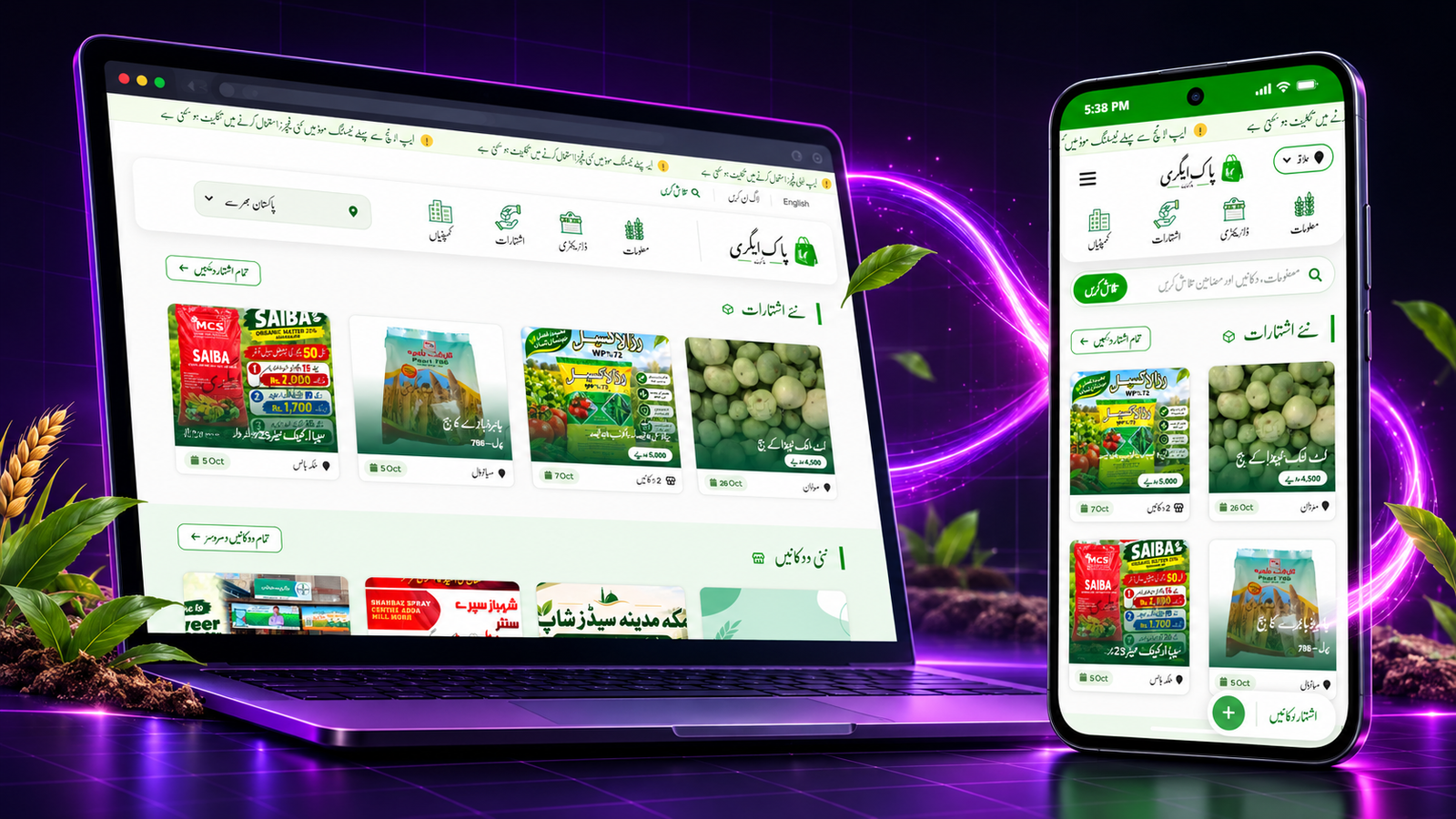
Pak Agri Market: an agriculture marketplace built as an Android app
How Pak Agri Market turned its existing agriculture marketplace into a branded Android app with AppCrafto, keeping listings and content in one place.
CASE STUDY
Kaspar Consulting: a connected services website prepared for mobile
How a service-led Odoo and software consultancy can extend its existing website into a focused mobile experience without duplicating its content.
START WITH YOUR WEBSITE
See what your website feels like inside an app.
Create a free Android test build, check the important journeys on a real device and choose a publishing plan when you are ready.