
Home›Case Studies›Courier & delivery
Case study
QWQER Pakistan: delivery journeys designed for a mobile app
A delivery app case study exploring QWQER Pakistan’s courier journeys, tracking access and merchant needs, with practical checks for a website-powered mobile experience.
COURIER & DELIVERY · CASE STUDY
A delivery service should be ready when the parcel is moving.
QWQER Pakistan serves customers and businesses with time-sensitive delivery. A branded mobile experience puts tracking, delivery options and order support within easy reach.
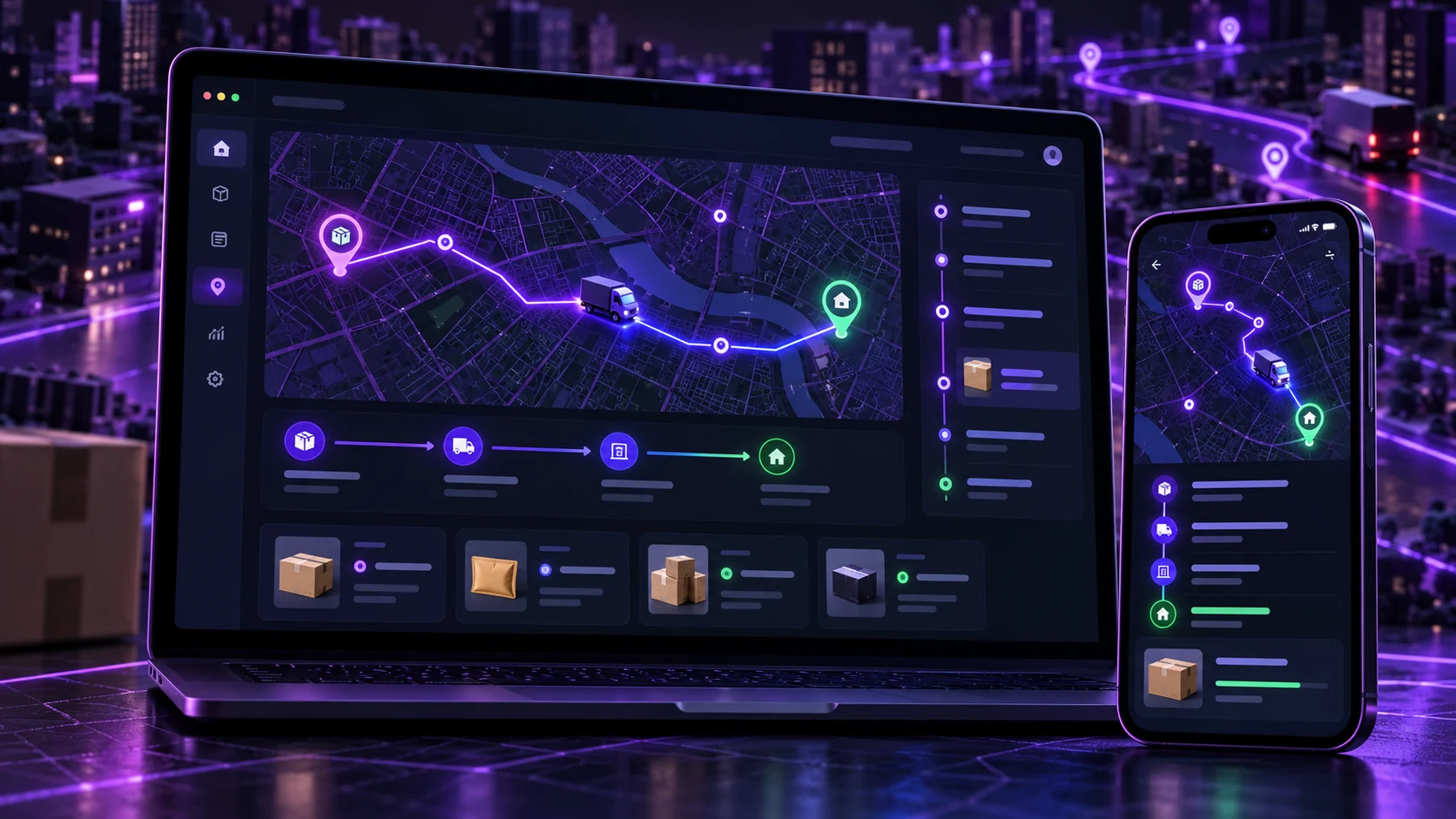
This delivery app case study examines the mobile journeys around QWQER Pakistan. QWQER is a technology-driven courier and delivery service supporting instant, same-day, next-day and bulk delivery. Its public website serves individuals, e-commerce sellers, retailers, food brands, pharmacies and other local businesses, with live tracking and rider coordination forming an important part of the experience.
The customer need is already mobile
Delivery customers often check an order while away from a desk. They need to understand available services, place or discuss a delivery, follow progress and contact support without searching through a browser history. A branded app can provide a familiar entry point while the website continues to supply current service information.
For business users, the experience should also make recurring order and bulk-delivery routes easy to find. The app navigation must separate customer actions from merchant information clearly.
The journeys that matter most
- Review instant, same-day, next-day and bulk delivery options
- Open order and delivery-request journeys
- Track a shipment and understand its current status
- Reach support and business delivery information
- Return to the relevant screen after an external link or telephone action
The app should not add decorative complexity around these tasks. The value comes from making the existing delivery journey fast to reach and dependable on common phone sizes.
How the website and app stay aligned
Service descriptions, industry pages and contact information can continue to be updated on the website. Those live changes can then appear inside the app without creating a second publishing workflow. App identity, navigation and supported native features remain part of the app configuration.
Testing a delivery experience
Testing should cover more than the home screen. A release checklist needs to include the order route, tracking links, telephone and messaging actions, location or map hand-offs, form validation, confirmation states and behaviour on a slower connection. Business users should also test any bulk-order route with representative data before release.
Google Play and Apple review requirements still apply to the published app. Store descriptions and screenshots must match the real experience, and privacy information should explain any account, order or location data used by the service.
A mobile access point for delivery customers
QWQER’s website already communicates the delivery proposition. The app direction turns that mobile web journey into a persistent branded access point for tracking, delivery choices and support, while avoiding a separate content system for ordinary website updates.
Delivery app case study: a practical build workflow
Start with the existing mobile delivery journey. The QWQER project reference provides background for the service. Map the customer actions that the app must preserve, then use AppCrafto’s URL-to-app workflow to configure the branded entry point and generate a cloud build.
Keep tracking information in the system that already owns it. A website-powered app can display a working tracking page, but packaging the page does not create a tracking backend, rider dispatch system or background location integration. Confirm which functions are available on the source website and test supported permissions on a real device.
Release checks for customers and merchants
Test with sample shipments rather than publishing real customer addresses in screenshots. Check an invalid tracking number, a delivered shipment and a connection interruption. If tracking opens another domain, verify whether the intended route stays in the app or hands off to the browser. A confirmation message should reflect the backend response.
Merchant accounts need separate permission checks. One business must not see another business’s orders, and signing out should close the authenticated session. Notifications require permission and a configured delivery integration; push support alone does not prove that automatic delivery-status messages have been implemented.
Use the device testing checklist alongside Google Play’s release guide. Recheck tracking and order flows after website updates, and compare current app plans before selecting a platform.
Frequently asked questions
Does a delivery app automatically add live tracking?
No. Tracking must already exist in the delivery platform or be separately integrated. A website-powered app can expose a working tracking journey but does not create its backend.
What should a courier app test before release?
Test order submission, tracking states, account permissions, external links, notifications and interrupted connections using sample customer and merchant accounts.
What controls delivery speed in a website-powered app?
Delivery speed depends on the courier operation, dispatch and rider coordination. The app provides a route to existing delivery information and supported tracking journeys.
MORE CASE STUDIES
Explore another mobile direction
CASE STUDY · 6 MIN READ
Kaspar Consulting: a connected services website prepared for mobile
How a service-led Odoo and software consultancy can extend its existing website into a focused mobile experience without duplicating its content.
CONCEPT CASE STUDY · 6 MIN READ
Online store concept: catalogue and checkout in a branded app
An illustrative e-commerce case study showing how an existing mobile storefront can become a branded app while keeping its catalogue and checkout in one place.
START WITH YOUR WEBSITE
See what your website feels like inside an app.
Create a free Android test build, check the important journeys on a real device and choose a publishing plan when you are ready.