
Home›Case Studies›Online store
Concept case study
Online store concept: catalogue and checkout in a branded app
An online store app concept showing how a mobile storefront could become a branded app while keeping catalogue, customer accounts and checkout in one place. This is an illustration, not a client result.
ONLINE STORE · CONCEPT CASE STUDY
One catalogue, one checkout and a new mobile entry point.
This transparent concept shows the buying and testing decisions an online store should make before turning its existing website into an app.
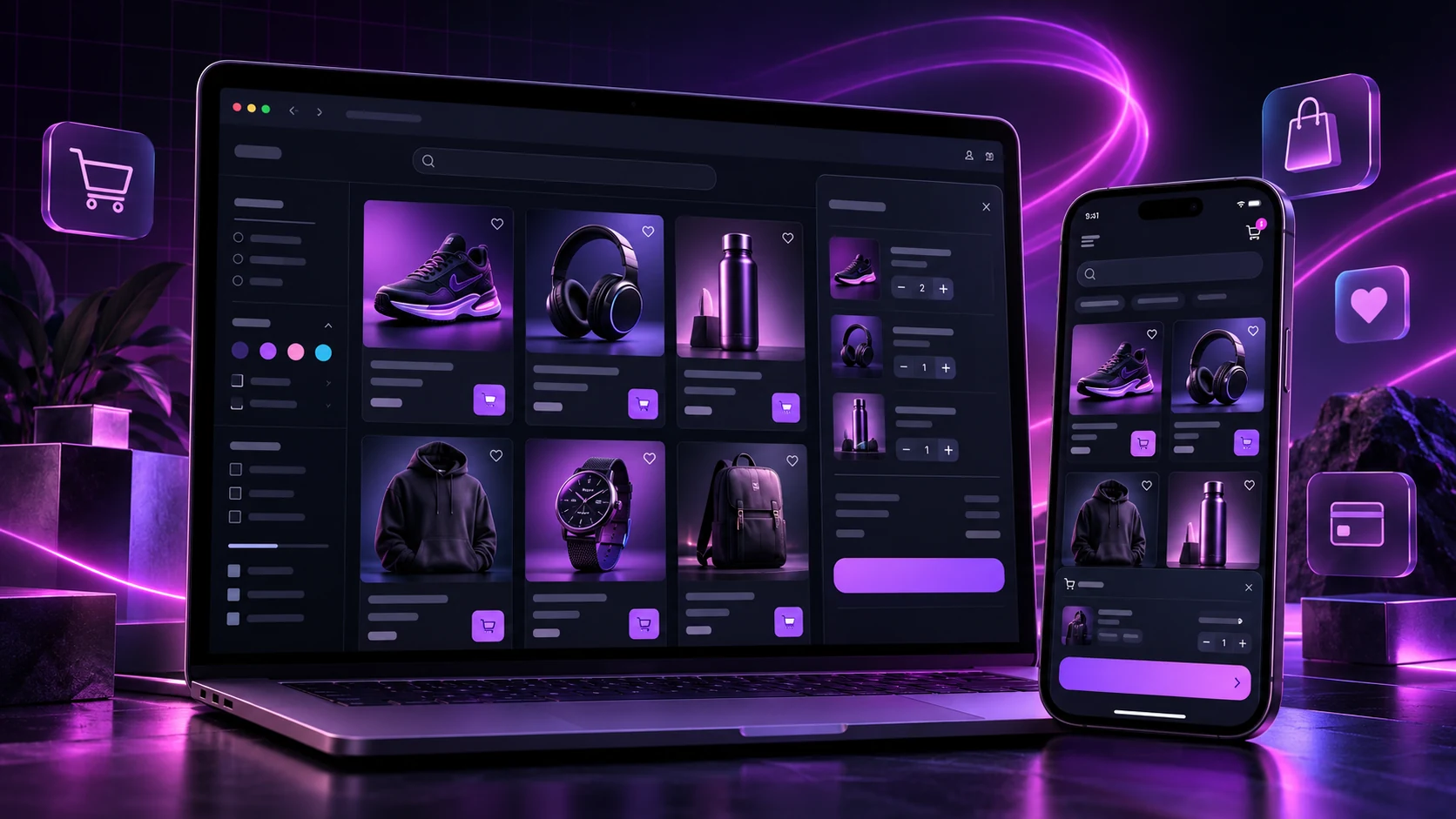
Concept disclosure: this online store app concept is an illustrative case study, not a claimed client result. It shows how a typical mobile-friendly online store could approach a website-to-app project with AppCrafto.
The starting storefront
The example store already manages products, categories, stock, customer accounts and checkout through its website. Rebuilding those systems for an app would introduce duplicate work and create a risk that product information or checkout behaviour differs between channels.
The website-to-app direction keeps the live storefront as the source and adds a branded mobile shell around it. Product and content teams continue working in the existing commerce platform.
The features to protect
- Category navigation, search and product filters
- Product images, variants, prices and stock messages
- Customer login, saved details and order history
- Cart updates, discount codes and checkout
- Payment return links and order confirmation
A successful app build must preserve those journeys rather than simply display an attractive home screen.
The branded app layer
The store can choose an app name, icon, splash screen and supported navigation options that match its identity. Push notifications may be useful for considered updates such as a new collection or an order-related message, but permission prompts and frequency should respect the customer.
A practical test build
The first cloud build should be installed on a real Android device. A tester should browse several categories, select variants, add and remove products, apply a test discount, sign in, complete checkout in the payment provider’s test mode and return to the confirmation screen. The same journey should be repeated on different screen sizes and a slower network.
Major theme, checkout or payment changes on the website should trigger another focused app test. App-level changes may require a rebuilt release.
What this approach offers
This concept reduces maintenance by keeping the catalogue and checkout where the store already manages them. The app becomes another branded route into the live customer experience instead of a separate commerce system that needs its own products, prices and content.
Online store app concept: from website to test build
Begin with a sample shop that already works on mobile. Use AppCrafto’s three-step workflow to connect the URL, configure the shop’s app name and branding, and create a cloud build. The catalogue, stock rules and payment provider remain part of the existing store.
This online store app concept uses the website as the source for ordinary catalogue updates. A change to a product description can appear through the live website, while a change to native app configuration may require rebuilding. Review platform coverage and build plans before deciding how to publish.
Protect the checkout and customer account
Use a payment provider’s test environment to check a successful order, a declined transaction and a cancelled payment. Confirm that the app returns to the correct order page and that the backend records one order. A converter does not repair a broken checkout or replace the payment provider’s security and compliance requirements.
For a WooCommerce store, the official WooCommerce Payments testing guide explains test-mode transactions. Other providers have their own procedures. Do not use a real customer’s payment details to demonstrate this concept.
Check sign-in, password reset, session expiry and logout on more than one device. Keep customer account permissions in the commerce system. If a promotion is sent by push notification, verify permission choices and the destination page before sending it to an audience.
Publishing and ongoing maintenance
Follow the AppCrafto testing checklist, prepare the required store assets and review the relevant platform policies. A generated build does not guarantee acceptance. After release, repeat checkout tests when the theme, payment plugin, login flow or navigation changes.
Explore the Asbaab Solar WooCommerce Android app case study for a retailer using its existing store as the content source.
Frequently asked questions
Is this online store app concept a real customer result?
No. This is an illustrative online-store concept showing how a mobile storefront could be packaged and tested with AppCrafto.
Will product changes appear in a website-powered store app?
Ordinary live website catalogue changes can generally appear in the app. Native app configuration changes may require a rebuild. Check the resulting app after major store updates.
How should the app checkout be tested?
Use the payment provider’s test mode to check successful, cancelled and declined payments, cart changes, login and the return to an order confirmation page.
MORE CASE STUDIES
Explore another mobile direction

CASE STUDY · 6 MIN READ
Kaspar Consulting: a connected services website prepared for mobile
How a service-led Odoo and software consultancy can extend its existing website into a focused mobile experience without duplicating its content.

CASE STUDY · 6 MIN READ
QWQER Pakistan: delivery journeys designed for a mobile app
A mobile-first case study for QWQER Pakistan’s instant, same-day, next-day and bulk delivery journeys, with tracking and business order support.
START WITH YOUR WEBSITE
See what your website feels like inside an app.
Create a free Android test build, check the important journeys on a real device and choose a publishing plan when you are ready.