Home›Case Studies›Consulting services
Case study
Kaspar Consulting: a connected services website prepared for mobile
This consulting website to app case study explores Kaspar Consulting’s service pages, project enquiries and mobile navigation while keeping its website as the content source.
CONSULTING SERVICES · CASE STUDY
A service website that stays useful after the first enquiry.
Kaspar already explains consulting, software development and connected business systems on the web. The mobile direction keeps that source intact and makes key service journeys easier to reach.
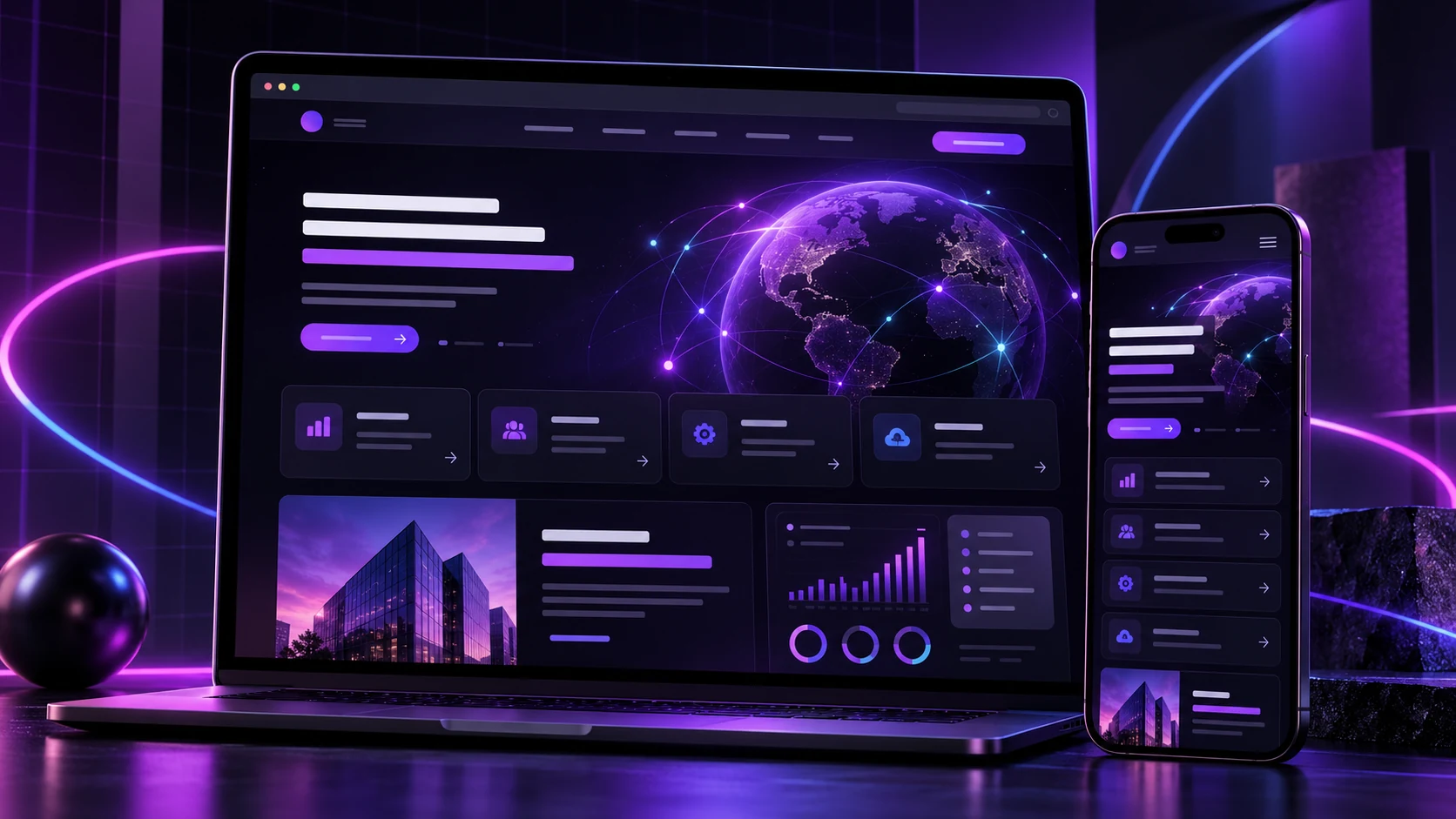
This consulting website to app case study explores how Kaspar Consulting Services presents Odoo consulting, software development and connected business systems through a service-led website. The useful mobile opportunity is not to rebuild those pages in a separate product. It is to make the existing service journey easier to return to from a branded app.
The starting point
The website already gives prospective clients a structured route through consulting services, business requirements and project enquiries. That content changes as services and delivery methods evolve, so the website should remain the source that the team maintains.
A website-to-app approach can preserve those pages while adding an app identity around them. Visitors still read the current service information, and Kaspar avoids maintaining a second catalogue of consulting content.
The mobile experience to prioritise
The app should lead with the actions a returning prospect or client is most likely to need: review a service, open a project conversation, revisit contact information and reach relevant guidance. Navigation should remain simple enough that a user can move between consulting, software and connected-system topics without losing context.
The brand layer can use a recognisable icon, splash screen and colour treatment while the live website continues to supply the underlying pages.
What carries over from the website
- Service pages and Odoo consulting information
- Software development and integration content
- Contact and project-enquiry journeys
- New articles and page updates published through the existing CMS
Keeping those elements on the website gives the team one place to make normal content changes. App-level changes such as the icon, navigation settings or native features can be handled through a new build when required.
Testing before release
The important test is the complete enquiry journey on a real phone. That includes opening service pages, following internal links, completing the contact form, checking email and telephone links, and returning to the app after an external action. The team should also confirm that cookie notices and sticky navigation do not cover key controls inside the app view.
A mobile direction for consulting services
This direction gives Kaspar a branded mobile entry point without replacing the website that already explains the business. It is a maintainable approach for a consultancy whose content and calls to action already work on mobile and need a more persistent place on a client’s device.
A consulting website to app workflow
For a consultancy, the decision starts with the existing enquiry process. Review the Kaspar Consulting Services website, identify the pages that a returning client needs and check those pages on a phone. A branded app is useful only when it makes these tasks easier to reach.
AppCrafto’s website-to-app workflow connects the website URL, app identity and cloud build. Configure navigation around services and contact information, then install a test build. Keep project descriptions and service updates in the existing CMS so the team does not maintain two versions of the same information.
Release and maintenance checklist
Use a test enquiry with non-sensitive sample details. Check required fields, validation errors, submission confirmation and the route back to the previous page. Verify telephone and email hand-offs and make sure the user can return to the app. Repeat the checks after changing the contact plugin, theme or login system.
Cloud build files are one part of publishing. Store listings, privacy disclosures and review requirements still apply. Check Google Play’s release guide and the AppCrafto app testing guide before distributing a release.
For a consulting website, focus the pilot on service navigation and successful enquiry submissions. Compare AppCrafto platform coverage and pricing before choosing a publishing plan.
Frequently asked questions
What does consulting website to app conversion preserve?
It can preserve mobile-friendly service pages and enquiry journeys by displaying the existing website inside a branded app. The source website remains responsible for its content and forms.
What should a consulting app include before store submission?
Prepare a tested enquiry journey, app screenshots, support and privacy information, the relevant developer account and the required publishing build. The submission then follows the store review process.
When should a consultancy rebuild its app?
Ordinary website content changes generally appear through the live site. Changes to native configuration or supported app features may require a rebuild and another release test.
MORE CASE STUDIES
Explore another mobile direction
CASE STUDY · 6 MIN READ
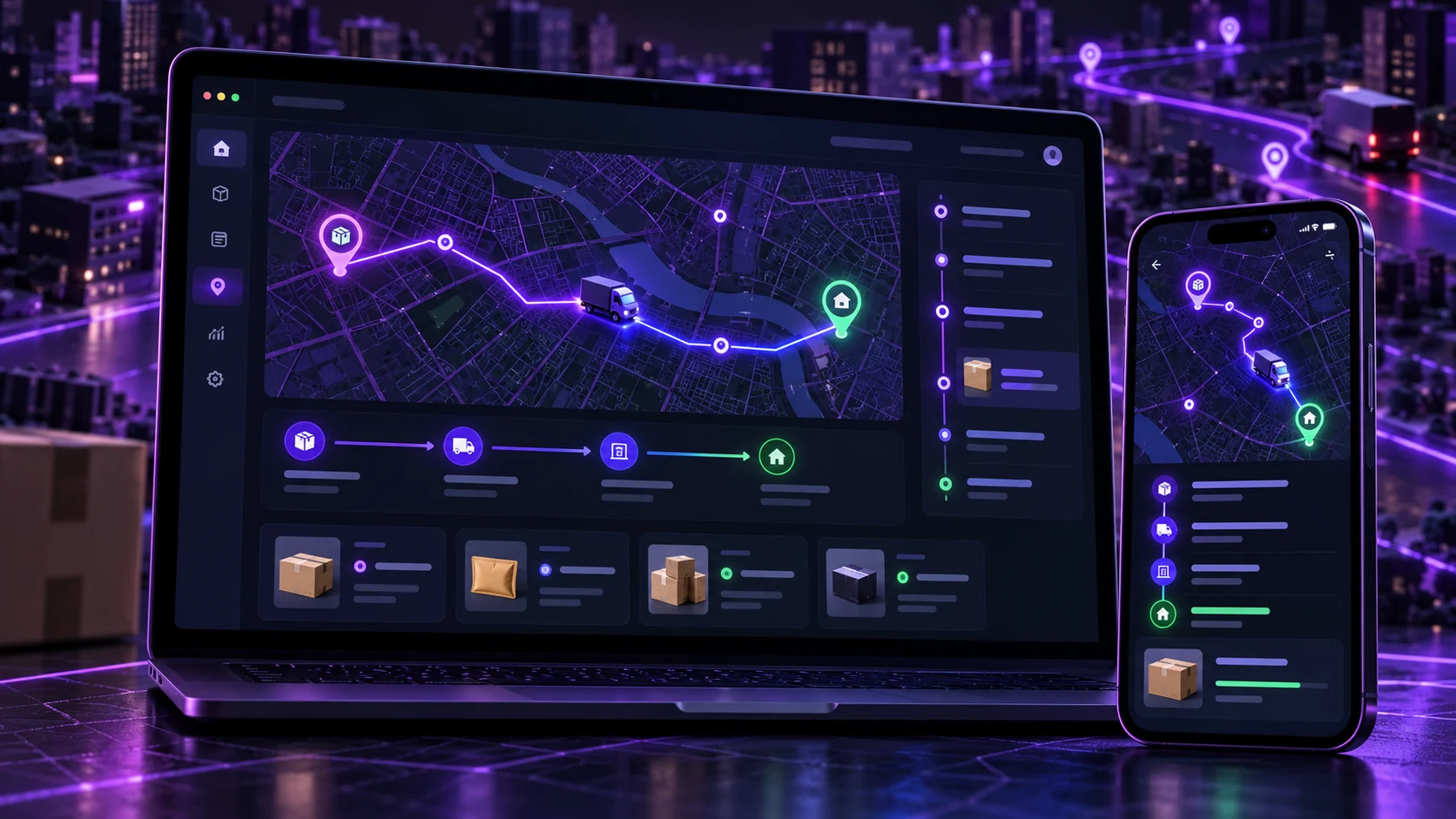
QWQER Pakistan: delivery journeys designed for a mobile app
A mobile-first case study for QWQER Pakistan’s instant, same-day, next-day and bulk delivery journeys, with tracking and business order support.
CONCEPT CASE STUDY · 6 MIN READ
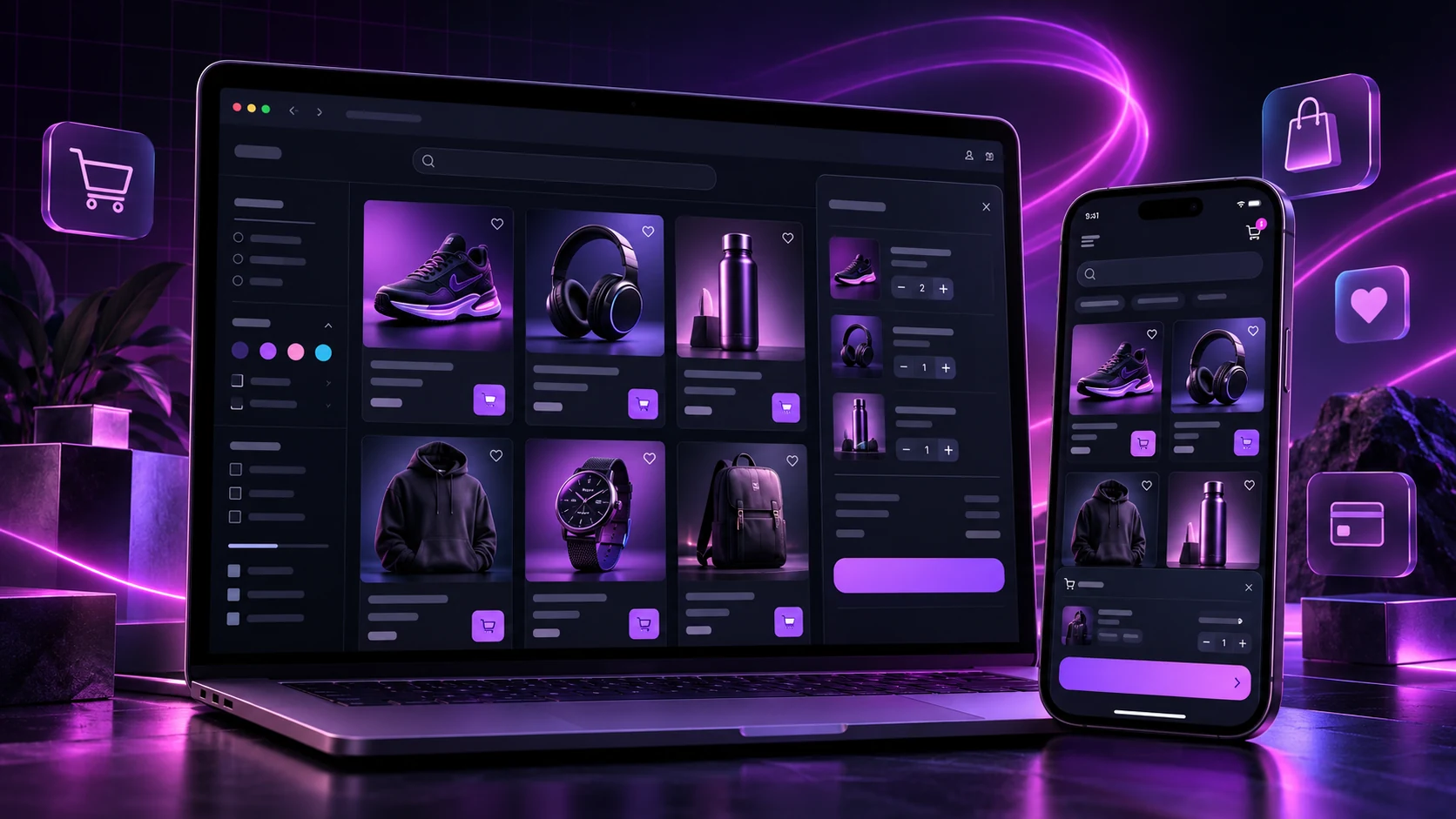
Online store concept: catalogue and checkout in a branded app
An illustrative e-commerce case study showing how an existing mobile storefront can become a branded app while keeping its catalogue and checkout in one place.
START WITH YOUR WEBSITE
See what your website feels like inside an app.
Create a free Android test build, check the important journeys on a real device and choose a publishing plan when you are ready.