Website to App
Shopify Mobile App Builder: 5 Smart Options Compared
The right Shopify mobile app builder depends on your budget, required integrations and the work your team can manage. Compare Shopify-focused platforms with a website-powered app route, then test product options, customer accounts and checkout. For a smaller store, proving those journeys before buying is more useful than choosing the longest feature list.
SHOPIFY · APP BUILDERS · BUYING GUIDE
Your store.
Choose the right app route.
Compare price, required integrations and support, then validate your actual shopping journey before buying.
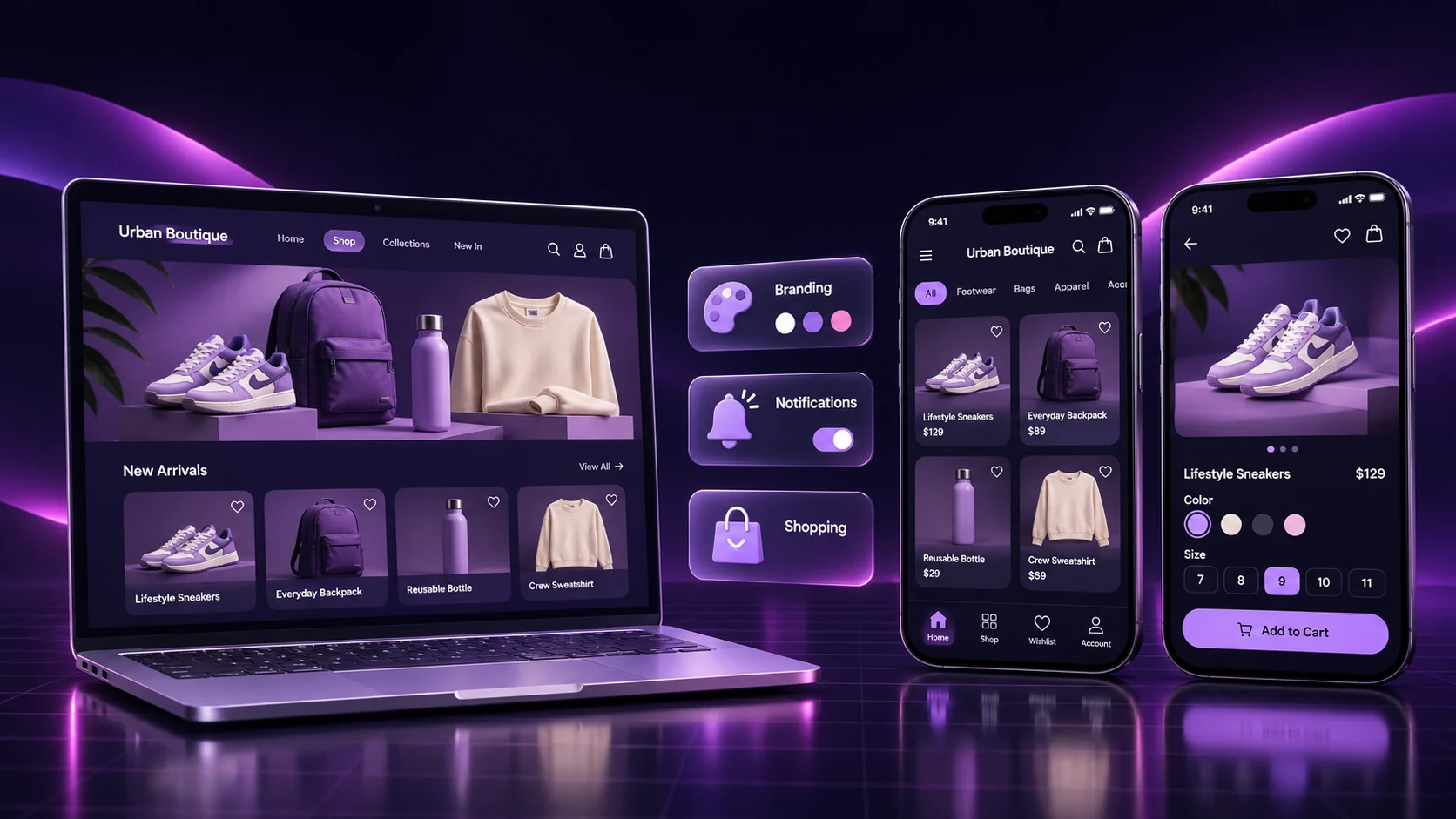
Original concept illustration; not a builder screenshot.
Shopify mobile app builder comparison: five options
A shopping app can give returning customers a convenient way back to your store. Choosing the right platform means matching its delivery model to your business: a configurable Shopify client, a managed app service or an app using the mobile storefront you already maintain.
AppCrafto publishes this comparison. The descriptions below use publicly available vendor information and pricing references checked on 17 November 2026. They are a buying shortlist, with no independent performance benchmarks or measured sales-uplift claims. Prices are in USD; confirm the current offer, billing period and scope before subscribing.
| Option | Published price reference | Reason to evaluate | Confirm before buying |
|---|---|---|---|
| AppCrafto | Free Android test route; Launch $5/month; Pro $14/month | Evaluate a low-cost app using an existing mobile website | Your Shopify store’s actual login, checkout and required features |
| Shopney | Silver $149/month | Shopify-specific shopping app with configurable layouts | The tier containing your integrations and automations |
| Tapcart | Growth $500/month | Shopify app building with blocks, integrations and operational support | Total billing and the features needed beyond Growth |
| Superfans, formerly Vajro | Vendor site promotes Unlimited at $1,000/month | Community and engagement features alongside shopping | Which entry plans and commercial terms are currently available |
| MobiLoud | Growth $799 month to month; $639/month on a 12-month term | Managed website-powered app delivery and maintenance | Usage allowance, extra services and contract scope |
These prices cover different amounts of software, service and support. Compare the cost of delivering your required experience, including the work left with your own team.
What does each option offer?
1. AppCrafto: test a website-powered route on a smaller budget
AppCrafto starts with a public website URL and supported app settings. You add the app identity and generate cloud builds while keeping the existing website as the content source. Its current plans list a free Android testing route, Launch for one Android app and Pro for Android and iPhone.
For a Shopify merchant, the decision starts with compatibility. Test your actual storefront, account system, payment redirects and third-party features in a build, and confirm requirements with AppCrafto. This guide does not establish a dedicated Shopify integration or universal theme support. AppCrafto includes push notifications in the Free Android plan; check the configuration and platform requirements before choosing it for a campaign strategy.
Good starting point: a store owner who already likes the mobile website and wants to evaluate a modest app project through a test build.
2. Shopney: a Shopify-focused shopping app with plan-based features
The Shopney Shopify App Store listing describes iOS and Android apps, a visual editor, product and inventory sync, and integrations with commerce tools. It lists Silver at $149/month and higher tiers for additional capabilities.
Read the feature split carefully. The listing places items such as review integrations, search/filter integrations and abandoned-cart notifications in Gold, while loyalty and subscription integrations appear in Platinum. Request a demonstration of the exact tier and apps your store needs. The lowest advertised price may not cover your complete buying journey.
Good starting point: a merchant seeking a separate Shopify shopping interface and willing to choose a tier around a documented integration list.
3. Tapcart: a higher-budget Shopify app operation
Tapcart’s Shopify listing shows Growth at $500/month, with blocks, push notifications, integrations and support. Scale adds capabilities such as testing, segmentation and more advanced analytics; larger plans broaden the operating tools.
Ask which requirements are included in the quoted plan and whether external charges affect the bill. The listing explicitly notes that Tapcart may bill some charges separately from the Shopify invoice. Evaluate the team’s ongoing app responsibilities alongside the platform: merchandising, messages, measurement and release coordination all need an owner.
Good starting point: an established store with a defined app strategy, a larger budget and staff who will actively operate the channel.
4. Superfans: shopping with community and engagement features
Superfans, formerly Vajro, promotes a $1,000/month Unlimited plan on its pricing page. The described scope includes community feeds, shoppable user content, app-exclusive drops and notification features.
Clarify the current entry plan and quote before comparing costs: public listings and vendor pricing pages can present different plan ranges. More features are valuable only when your team will use them. Ask for a walkthrough of the shopping flow and the specific community or campaign experience you intend to run.
Good starting point: a brand with an audience and an ongoing plan for community, launches or engagement-led shopping.
5. MobiLoud: managed delivery around the existing website
MobiLoud’s pricing page describes a managed website-powered app service. Growth is $799 month to month or $639/month on a 12-month term, with 5,000 monthly active users included. Native maintenance is part of its stated service.
Review the usage model and outside costs. Growth lists additional usage charges above the allowance; its page also explains separate developer accounts and push-provider costs. Check how much design work your plan includes and which website changes stay with your web team. A managed service can make sense when the business needs that delivery support.
Good starting point: a merchant seeking an ongoing service relationship for the app, with a budget that supports the agreed scope.
How do you choose a Shopify mobile app builder?
Start with integrations that affect the purchase
List the features a shopper must use, including product options, subscriptions, bundles, reviews, loyalty, discounts and search. Give the supplier the actual app names and configuration, rather than asking whether it “supports Shopify.” A website feature and a separately integrated app feature may behave differently.
Request evidence for your priority journeys before adding secondary features. For a subscription store, the essential proof is a supported subscription purchase and account flow. For a fashion store, it may be variant selection, size guidance and the correct return route from checkout.
Separate promotional messages from commerce automations
A platform supporting push messages does not automatically provide your required abandoned-cart, back-in-stock or loyalty automation. Ask what triggers the message, how customers grant permission, what data is needed and which product screen opens when the message is tapped.
Budget for campaign ownership as well as delivery. Useful messages require timing, relevant content and a way to measure outcomes. Sending more notifications is not itself a retention strategy.
Check content updates, builds and account ownership
Ask where the product catalogue lives and how changes reach the app. A website-powered route keeps the web experience central; a separate client may use its own integrations and caching. In both cases, test changes to inventory, options and account behaviour.
Confirm which app changes require a rebuild, who controls the store listings and signing arrangements, and what happens if you change providers. Keep those answers in the quote. The broader e-commerce app buying guide offers a related requirements checklist.
What does a Shopify mobile app builder really cost?
The subscription is one part of the decision. Compare the same platform coverage, integrations, service and operating assumptions across your shortlist. Ask for a written cost breakdown that explains how the bill changes as usage or requirements grow.
| Cost area | What to request | Why it matters |
|---|---|---|
| Base plan and billing | Current price, billing cycle, commitment and renewal terms | A quoted monthly equivalent may require a longer commitment |
| Integrations and usage | Included tools, active-user limits and additional charges | Your required stack or audience may change the starting price |
| Builds and publishing | Platform coverage, rebuild allowance and submission support | Generating a build and completing a launch are separate tasks |
| People and services | Developer accounts, push services, website work and campaign ownership | Work outside the subscription still needs time and a budget |
Do not compare a self-service build subscription with a managed development service solely on the advertised number. Choose the model that your business can sustain after launch. If a required capability is missing, include the cost of solving it before calling an option affordable.
Which option fits your store?
Use these illustrative scenarios to narrow the shortlist. They describe buying situations, not measured customer outcomes.
| Your situation | A useful shortlist | Proof to request |
|---|---|---|
| Small store with a good mobile website | Evaluate AppCrafto’s URL-based route and a Shopify-specific entry plan | Your actual store works inside the build, within the required scope |
| Established store with a complex app stack | Compare Shopify-focused platforms such as Shopney or Tapcart | Named integrations work on the plan being quoted |
| Brand planning community and product drops | Consider the documented engagement scope of Superfans | Both shopping and the intended audience experience work together |
| Business seeking managed delivery and upkeep | Compare MobiLoud’s service scope with other managed offers | Clear ownership, usage costs and maintenance responsibilities |
A store with few repeat customers may need to improve its website and customer acquisition first. A branded app is more compelling when there is a clear reason to return: replenishment, saved preferences, useful account tasks or access to relevant releases. Define that reason before selecting a supplier.
Test checkout before paying for a larger plan
Use a representative phone and a safe test environment. Shopify documents processing a test order, including gateway test modes and post-order checks. Its guidance notes that live customers cannot order through a payment provider while that provider is in test mode. Arrange testing accordingly, and follow the instructions for your payment setup.
| Journey | Test action | Evidence to keep |
|---|---|---|
| Find and configure a product | Search, select a variant and change quantity | The intended item and price reach the cart |
| Account and cart | Use the supported guest and signed-in flows | Account access and cart behaviour match expectations |
| Checkout and payment | Test a supported success, cancellation and failure | Shopify order and payment records agree with the customer result |
| Return and recovery | Follow external links, reconnect after interruption and reopen the app | The customer can resume without an unclear transaction state |
Also inspect shipping, tax and discount outcomes relevant to your store. For product-specific features, use a representative item rather than a generic demo. Keep a short acceptance record so you can repeat important checks after theme, integration or app changes. Our app testing guide covers the wider release process.
How to evaluate your storefront with AppCrafto
Suppose a small accessories retailer has a mobile-ready Shopify store and wants to explore an app before funding a larger build. The following is an evaluation workflow, not a claim that this example store has been tested.
- Add the store URL. Create an AppCrafto account and use the public storefront address. Identify checkout, login and external destinations that need validation.
- Configure the app. Add the app name, icon, colours and supported navigation. Confirm the plan and requirements for iPhone delivery, push and other requested features.
- Generate and test a cloud build. Start with the free Android test route and run the acceptance checklist on a real device. Confirm any Shopify-specific requirements with the team before selecting a publishing plan.
Read how AppCrafto works and the website compatibility guidance. If the core experience needs extensive offline work or a specialised native integration, discuss that scope before proceeding. Our PWA versus native app guide explains the wider options.
What still needs to happen before publishing?
A cloud build does not establish app-store approval. Plan for developer accounts, store assets, privacy information, required testing and review responses. Apple’s minimum-functionality requirements address useful app experiences, while Google Play requires stable functionality and meaningful content.
Confirm payment rules for the goods you sell and the markets you target. Physical-product shopping, digital content and subscriptions may require different treatment. Ask the supplier to explain the applicable release process for your project; a no-code configuration does not settle every publishing requirement.
Shopify mobile app builder: frequently asked questions
What is the best Shopify mobile app builder for a small store?
Choose the option that supports your real purchase journey at a sustainable total cost. Compare the required integrations, platform coverage and support, then request a test using your store. AppCrafto offers a low-cost URL-based route to evaluate; Shopify-focused platforms may be preferable when you need a separate integrated shopping interface.
Is a free Shopify mobile app builder enough to publish?
A free builder or trial may cover configuration, previews or testing without covering the complete publishing process. Check build formats, platform coverage, branding, developer accounts and assistance. AppCrafto’s free route starts with Android testing; review the current paid plans for your launch requirements.
Does AppCrafto guarantee compatibility with every Shopify store?
No. Evaluate the actual storefront, customer accounts, checkout, redirects and third-party functionality inside a build. Confirm Shopify-specific requirements with AppCrafto before purchase. This comparison does not establish universal theme compatibility or a dedicated Shopify integration.
Can my product catalogue stay in Shopify?
The catalogue can remain in Shopify, but the update mechanism depends on the app approach. A website-powered app uses the existing storefront; a separate client may rely on integrations. Verify product changes, variants and inventory behaviour instead of assuming all providers sync in the same way.
Do all app builders support my loyalty and subscription tools?
No. Give the supplier your exact tools and configuration, confirm the required plan and request a demonstration of the complete flow. A general integration list does not prove that every feature of your particular setup is supported.
Does push notification support include abandoned-cart automation?
Not automatically. Promotional messages, back-in-stock alerts and abandoned-cart recovery are separate workflows. Confirm the triggers, integrations, permissions and plan for each, then test the destination that opens from the message.
Should I choose a managed service or a configurable builder?
Choose based on the work your team can own. A configurable builder can suit a smaller project when you can manage setup and testing. A managed service may suit a business seeking ongoing delivery and maintenance support. Compare the written scope and total cost.
Will an app automatically increase my store’s sales?
No. Results depend on the shopping experience, audience, promotion and useful reasons to return. Measure completed purchases, repeat usage, support issues and campaign outcomes against a baseline. Installing a builder or publishing a package is not evidence of sales growth.
Does a completed build guarantee App Store or Google Play approval?
No. The app must still meet account, testing, functionality, content, payment and privacy requirements. The platform controls review. Confirm which publishing tasks your supplier handles and which remain your responsibility.
What should I confirm before changing app providers?
Confirm control of developer accounts and listings, signing arrangements, analytics and push accounts, and any available exports. Ask how existing users receive a replacement release and what notice or fees apply. Record these terms before committing to a new provider.
Choose a Shopify mobile app builder with a clear acceptance plan
Shortlist the delivery models your team can support, compare the full quote and prove the essential shopping journey. If you want to evaluate an app around your existing mobile website, start with a small test, document the result and choose the plan only after the required flows work.
KEEP READING
More from the AppCrafto blog

APPCRAFTO GUIDE
Choose the right no-code website-to-app converter for your online store by comparing cloud builds, branding, push notifications, publishing and live catalogue sync.
APPCRAFTO GUIDE
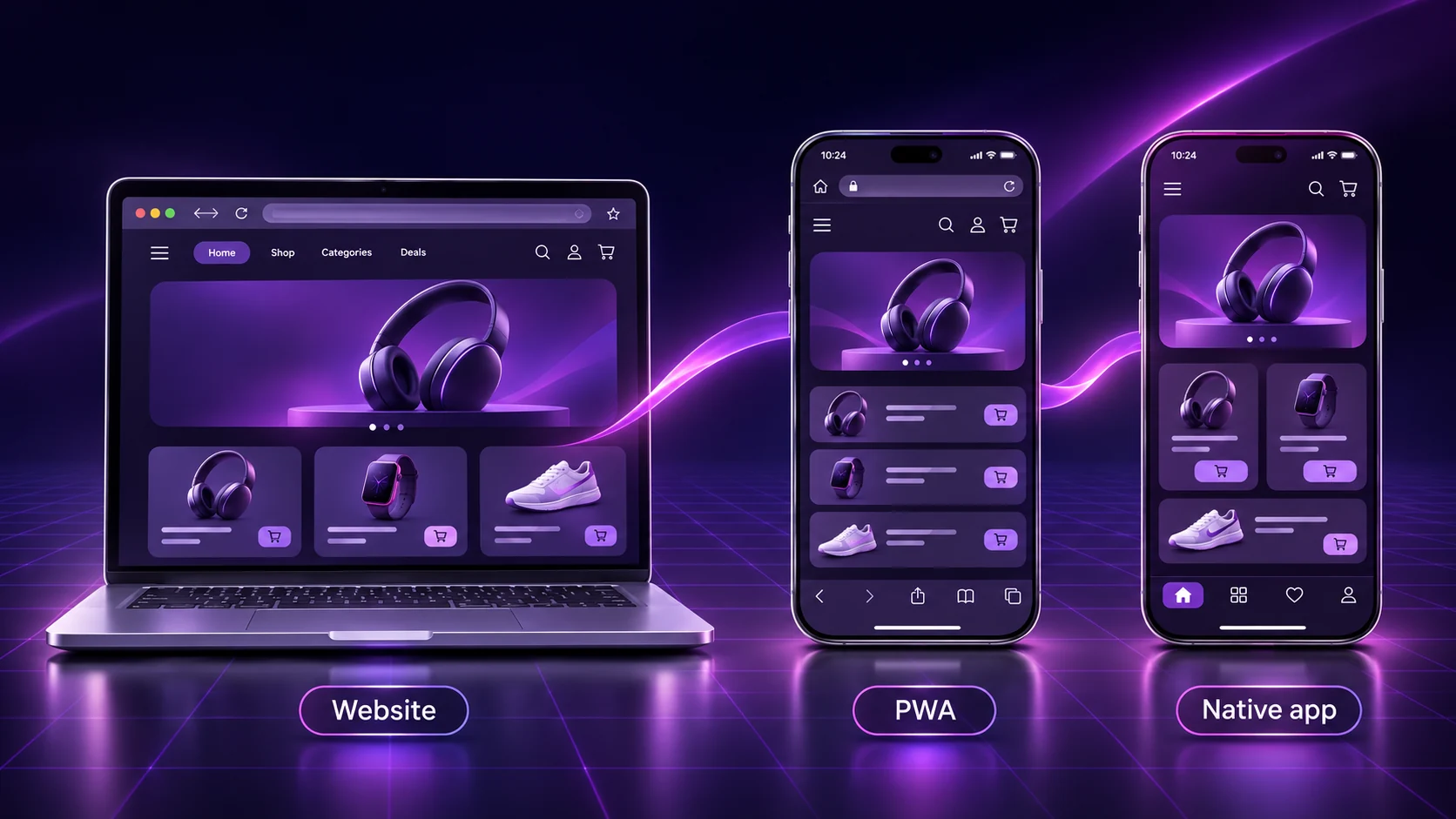
Compare PWAs, custom native apps and website-to-app builders through seven practical differences, ownership costs and a real-device testing checklist.
APPCRAFTO GUIDE
A practical guide to choosing a customer shopping app for your WooCommerce store, with seven checks, a three-step workflow and a purchase testing checklist.
SEE IT ON YOUR OWN WEBSITE
Test the website you already run.
Create a free Android test build, check your essential journeys on a real device and choose a publishing plan when you are ready.