Website to App
WooCommerce App Builder: 7 Checks for a Better Store App
A WooCommerce app builder can turn an existing store into a customer shopping app without rebuilding every commerce feature. Choose one by testing your actual products, checkout, accounts and payment redirects, then compare branding, cloud builds and maintenance. A working mobile storefront and a successful test purchase matter more than a long feature list.
WOOCOMMERCE · SHOPPING APP · LAUNCH GUIDE
One store.
A familiar shopping app.
Keep your catalogue in WooCommerce. Test products, accounts and checkout before publishing your branded app.
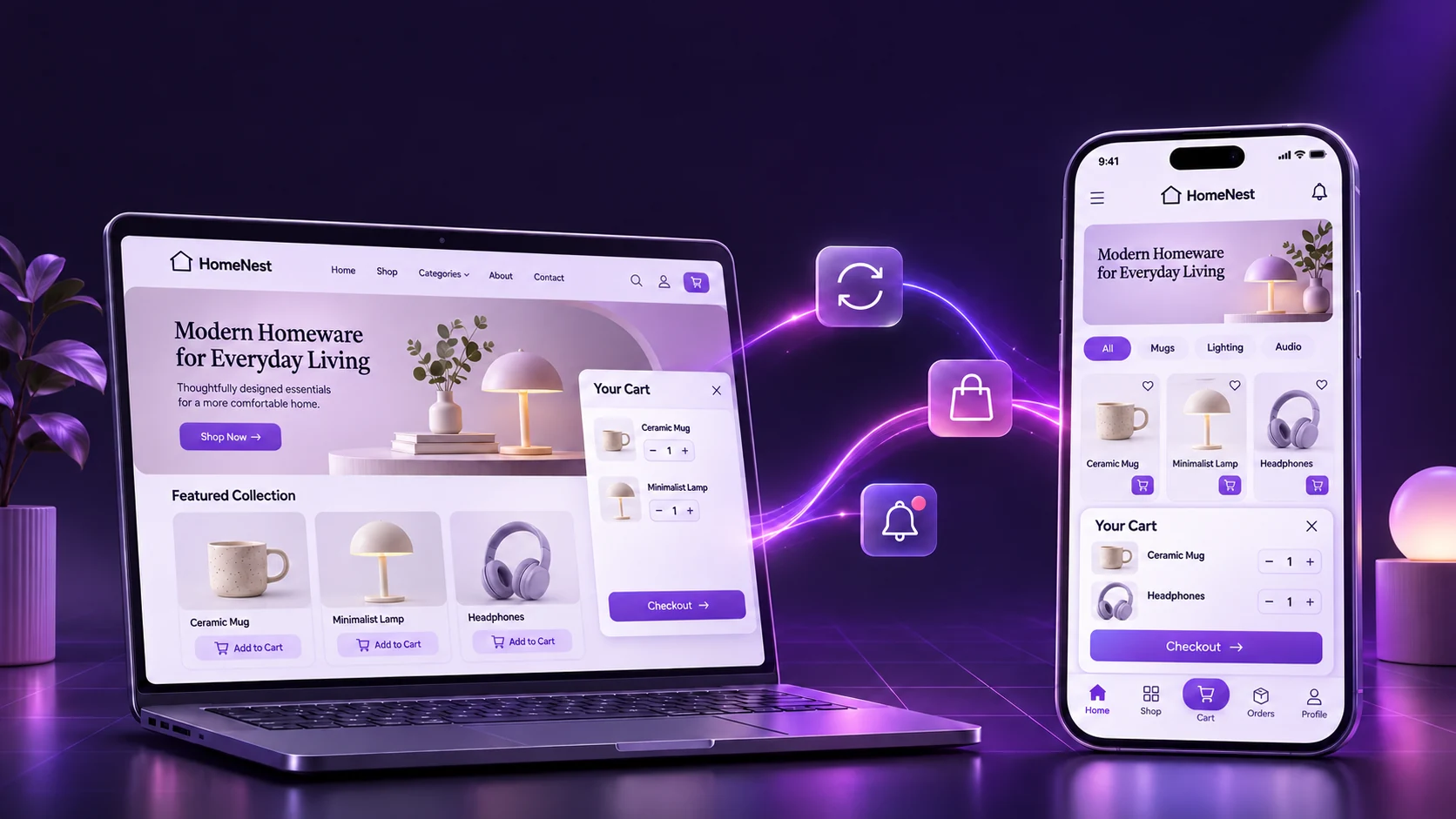
Original concept illustration; not a builder screenshot.
First, do you need a customer app or a store-management app?
These solve different problems. The official WooCommerce mobile app helps merchants manage products, orders and store activity. It is useful for running a business from a phone, but it is not the same as publishing a shopping app under your own brand for customers to install.
If your goal is repeat shopping, easier access to your catalogue or a branded home-screen presence, you are evaluating a customer-facing app. Define its main job before choosing a tool: help someone find a product, choose the correct option, pay and return later. A store that already works well on mobile gives you a stronger starting point.
This guide is for owners of existing WooCommerce stores, especially physical-product retailers. It compares implementation routes and provides a buying checklist. It is not a hands-on ranking of every provider, and it does not promise higher sales or app-store approval.
Which WooCommerce app builder approach should you compare?
“No code” describes how you configure a product, not how every integration works. Some tools reuse the mobile website. Others create a separate shopping interface connected to WooCommerce. A custom project can provide more control, with more integration and maintenance work to own.
| Option | How it works | What to validate |
|---|---|---|
| AppCrafto website-to-app workflow | Uses the existing mobile website with supported branding and app features; generates cloud builds | Your theme, extensions, checkout, links and required native features inside the actual build |
| FmeAddons Mobile App Builder on the Woo Marketplace | Its documentation describes a WordPress extension, API-key configuration, catalogue display settings and notifications | Build delivery, platform scope, required integrations and your exact product/payment setup |
| Custom mobile client | A development team builds the customer interface and connects it to store services | Integration scope, source ownership, support, releases and ongoing compatibility |
The FmeAddons product listing and its configuration documentation describe a different setup from AppCrafto’s URL-based workflow. Check the supplier’s current process rather than assuming that all builders include the same plugin, screens or delivery method.
AppCrafto is worth evaluating when the existing storefront already provides the journeys you want and you prefer one website to maintain. A separate client may suit a store that needs a substantially different interface. If a required integration is unsupported, the cheaper subscription is not automatically the cheaper solution. Our PWA vs native app comparison explains the broader trade-offs.
7 checks before choosing a WooCommerce app builder
1. Make the customer journey the acceptance test
Write down one complete purchase journey from discovery to confirmation. Include product search, filters, variation selection, cart changes, account access and checkout. Add the journeys that make your store distinctive, such as asking for a quote or selecting a delivery date.
Then ask for evidence in a build using your store, not just a supplier’s demonstration catalogue. A beautiful sample home screen cannot confirm that your product add-on, account plugin or payment handoff works. Keep a simple record of each test, device, expected result and issue.
2. Test products and variations, not just the catalogue grid
A simple product and a variable product are not interchangeable tests. WooCommerce lets variations have their own price, stock and image; its variable-product documentation explains that model. A clothing store should test size and colour choices. A furniture store might need material options, delivery restrictions or a quote request.
Check both available and unavailable combinations. Change a selection after adding the item to the cart. Confirm that the chosen variation, quantity and price remain correct. For bundles, subscriptions, memberships or custom product fields, obtain specific compatibility confirmation. “Supports WooCommerce” does not prove support for every extension.
3. Prove checkout, payments and delivery rules
Checkout is where a small incompatibility can become a lost order. Test guest and signed-in purchases where your store supports them, valid and invalid coupons, address changes, shipping choices and payment outcomes. Confirm what happens when a payment opens a browser or another app and the customer returns.
Use a staging store and the payment provider’s sandbox for test transactions. WooCommerce’s testing-orders guide warns that test orders can affect emails, integrations and analytics, and recommends staging. Follow the instructions for the gateway actually installed rather than using arbitrary test card details.
| Test case | Expected result | Check beyond the screen |
|---|---|---|
| Product variation | Correct option, stock and price reach the cart | Order records the selected variation |
| Coupon and shipping | Eligible discounts and delivery choices are applied correctly | Totals agree with the WooCommerce order |
| Successful sandbox payment | Customer sees the appropriate confirmation | Gateway and order records agree |
| Cancelled or declined payment | Customer gets a clear recovery path | No incorrect success state or unintended duplicate action |
| Login and return visit | Account and cart behave as your store intends | No access to another customer’s information |
| Connection interruption | Useful feedback and a predictable return journey | No assumption that a payment failed merely because the screen stopped loading |
If a payment result is unclear, inspect the order and gateway records before trying again. WooCommerce’s payment troubleshooting guide explains how order status, notes and logs help investigate failures. An app confirmation screen alone is not sufficient evidence of the final transaction state.
4. Understand catalogue sync and the rebuild boundary
Ask the supplier where products, customer accounts and orders are stored, and how updates reach the app. A website-powered app can use the existing WooCommerce storefront, avoiding a second manually maintained product catalogue. A separate client may fetch store data through integrations, with its own update and caching behaviour.
For AppCrafto, routine website content remains managed through the existing website. That does not mean every app change is instant or that all screens are available offline. App-level settings, integrations and release requirements can still call for a rebuilt package.
| Change | Typical starting point | What to verify |
|---|---|---|
| Product text, image or price | Update the existing WooCommerce website | Current information appears through the app’s website content |
| Stock or product availability | Update the store’s inventory source | Product and cart show the intended current state |
| Theme or checkout extension | Test the website change on staging | Repeat the app purchase checklist before rollout |
| App identity or native configuration | Review the builder’s configuration and release process | Whether a rebuild, new assets or store update is required |
5. Check branding, navigation and real-device usability
Brand identity should include a recognisable name, icon and clear navigation, not just a splash screen. Important destinations might be Shop, Categories, Cart and My Account. Choose the supported layout that helps customers reach those destinations without conflicting with the website’s existing navigation.
Use a representative phone, not only a large desktop preview. Read specifications, enlarge text, fill an address form with the keyboard open and use the back button after a payment handoff. Check loading states on a slower connection. A WooCommerce app builder cannot automatically repair a heavy theme, unreadable text or a broken mobile form.
6. Validate notifications and the destination they open
Notifications are useful only when the message and destination help the customer. A back-in-stock message should lead to the relevant item; a delivery update should not unexpectedly open an unrelated promotional page. Check the builder’s supported setup, permissions, platform requirements and any extra service costs.
Do not assume that promotional push includes automatic abandoned-cart recovery, transactional order updates or every integration your store uses. Ask about each workflow separately. Test with permission granted and refused, with the app open and closed, and after following a notification back to the shop.
7. Confirm builds, publishing responsibilities and support
A cloud build is an important delivery step, but a generated package is not an approved store listing. Confirm which operating systems are included, what you can download, who controls developer accounts and signing, and what happens when a build fails or a store requests changes.
Ask who maintains compatibility after WordPress, WooCommerce, theme or payment-plugin updates. Record the limits on rebuilds and assistance, if any. A useful support agreement explains responsibilities rather than relying on an unlimited-feature headline.
Build a sample WooCommerce shopping app in three steps
Consider an illustrative homeware retailer selling mugs, lamps and accessories. Its website already has a working mobile catalogue, customer accounts and checkout. The owner wants a customer app while continuing to maintain the same shop. This example is a proposed workflow, not a report of a test we performed.
- Connect the store URL. Create an AppCrafto account and start with the store’s secure website address. Check the essential mobile pages and identify any external payment or messaging destinations before building.
- Configure the app’s identity and supported options. Add the name, icon and colours, then choose available navigation and link-handling settings. Confirm requirements for notifications and any other app-level features you need. Keep the first build focused on the essential shopping journey.
- Generate a cloud build and validate it. Start with an Android test build and install it on a real device. Repeat the staging-store purchase tests above. Resolve failures before preparing the store submission; evaluate iPhone requirements separately if that platform is part of your plan.
The advantage is reuse: the website remains the storefront and content source instead of becoming a second commerce project. Read the full AppCrafto workflow, check website compatibility and use the app-testing checklist to plan acceptance.
A relevant example: Asbaab Solar
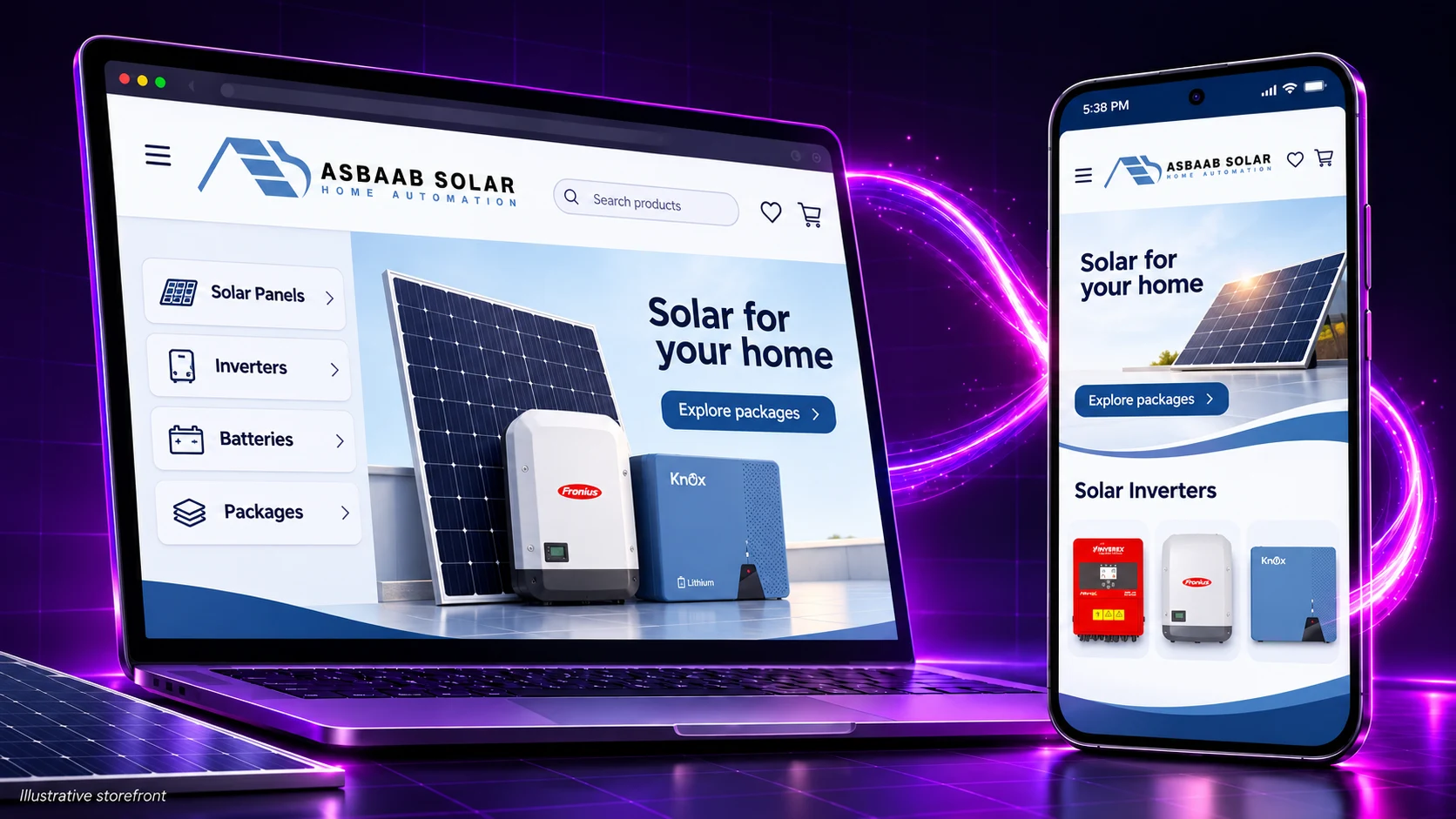
Our Asbaab Solar case study describes a retailer using AppCrafto around an existing WooCommerce store. Its journeys include product research, quotes, survey booking and shopping. The project account describes a branded Android route while WooCommerce remains the commerce system.
This illustrates why requirements should extend beyond a catalogue grid: some customers need advice or a quote before buying. It is not evidence that every extension works or that an app guarantees a sales increase. The supplied case-study account did not include measured revenue or conversion uplift.
How much does a WooCommerce app builder cost?
At publication on 7 November 2026, AppCrafto lists a free Android testing route, Launch at $5 per month for one Android app and Pro at $14 per month for Android and iPhone. Check the current plans and publishing scope before buying. Website hosting, developer account fees and any fixes to your storefront need separate consideration.
| Cost area | Question for the supplier | Include in your decision |
|---|---|---|
| Setup and integration | Which configuration, plugin setup or custom work is included? | Initial work and excluded integrations |
| Platform and builds | Which platforms and rebuilds does this plan cover? | Renewal terms and release work |
| Publishing | What remains in my developer accounts and who handles review changes? | Account ownership, fees and assistance scope |
| Store maintenance | Who investigates website, gateway and plugin failures? | Hosting, extension renewals and support responsibility |
For a store with a stable mobile checkout, AppCrafto can be a practical low-cost route to evaluate. If you need unsupported native features, a substantially different shopping interface or complex offline operations, include the cost of the appropriate integration or custom development instead.
Check app-store requirements for what you sell
Physical products and digital goods can have different payment rules. Apple’s App Review Guidelines address physical goods and services in section 3.1.3(e), alongside separate rules for digital purchases and minimum functionality. Google’s Payments policy also distinguishes physical purchases from covered digital purchases.
Do not assume a website payment flow is acceptable for every product type or storefront. Review current requirements for your actual catalogue, target markets, privacy and account features. A builder does not remove those obligations or guarantee approval. The Google Play preparation guide is a useful next step once your test build works.
WooCommerce app builder: frequently asked questions
Can I build a WooCommerce shopping app without coding?
Yes, no-code builders can create a customer shopping app from a suitable existing store. You still need to configure branding, validate supported features, test the actual purchase journey and complete publishing requirements. Website problems or unsupported integrations may need additional work.
Is the official WooCommerce app my own customer app?
No. The official WooCommerce mobile app is for merchant tasks such as managing products, orders and store activity. A branded customer shopping app is a separate project intended for shoppers to install and use under your business identity.
Which WooCommerce app builder is best for my store?
The best fit is the option that supports your actual products, checkout, accounts and required app features within a maintenance budget you can sustain. Test AppCrafto if you want to reuse a working mobile website. Compare a separate integrated client or custom development when your requirements need a different approach.
Will all WooCommerce plugins work inside the app?
Do not assume universal compatibility. Test the extensions that affect product choices, pricing, subscriptions, bookings, login and checkout. A supplier’s general WooCommerce support claim does not confirm every theme, extension or external payment flow.
Do I have to add every product to the app again?
A website-powered app uses the existing storefront rather than requiring a separate manually maintained catalogue. Continue managing routine products and content in WooCommerce, and verify how current information appears in the app. App configuration changes can still require a rebuilt release.
Can I keep my existing WooCommerce checkout?
A website-powered approach can reuse the web checkout, but you must validate it inside the actual app. Test gateway redirects, authentication, coupons, shipping and confirmation using a staging store and the gateway’s test mode. Check applicable store payment rules for the goods you sell.
Does push support include abandoned-cart recovery?
Not necessarily. General push notifications, transactional order updates and abandoned-cart recovery are different workflows. Confirm the integrations, permissions, configuration and plan required for each, then test the message and the screen it opens.
Can the app take orders without internet?
Do not assume offline transactions are supported. Live prices, inventory, account information and payments commonly depend on online services. Define what should happen when connectivity is lost and verify the recovery flow rather than treating an installed app as automatically offline-capable.
Does an AAB or APK mean my app is approved?
No. A build file is a technical deliverable, not a review decision. Developer account, listing, testing, functionality, privacy and payment requirements still apply. The relevant store controls approval.
What should I check after a WooCommerce update?
Repeat the essential product, account, cart and payment tests on staging before rolling out significant changes. Then confirm the app still behaves correctly. Check whether changes to app identity, native settings or platform requirements also call for a rebuilt release.
Choose with a tested purchase, not a promise
A useful WooCommerce app builder should make a proven shopping journey easier to deliver and maintain. Start with your actual store, test the important exceptions and record who owns each part of the release. If your mobile website already does the work, an AppCrafto test build lets you evaluate the app route before committing to a larger project.
KEEP READING
More from the AppCrafto blog
CASE STUDY
How Asbaab Solar used AppCrafto to turn its WooCommerce store into a branded Android app for solar product research, quotes, survey bookings and shopping.
APPCRAFTO GUIDE
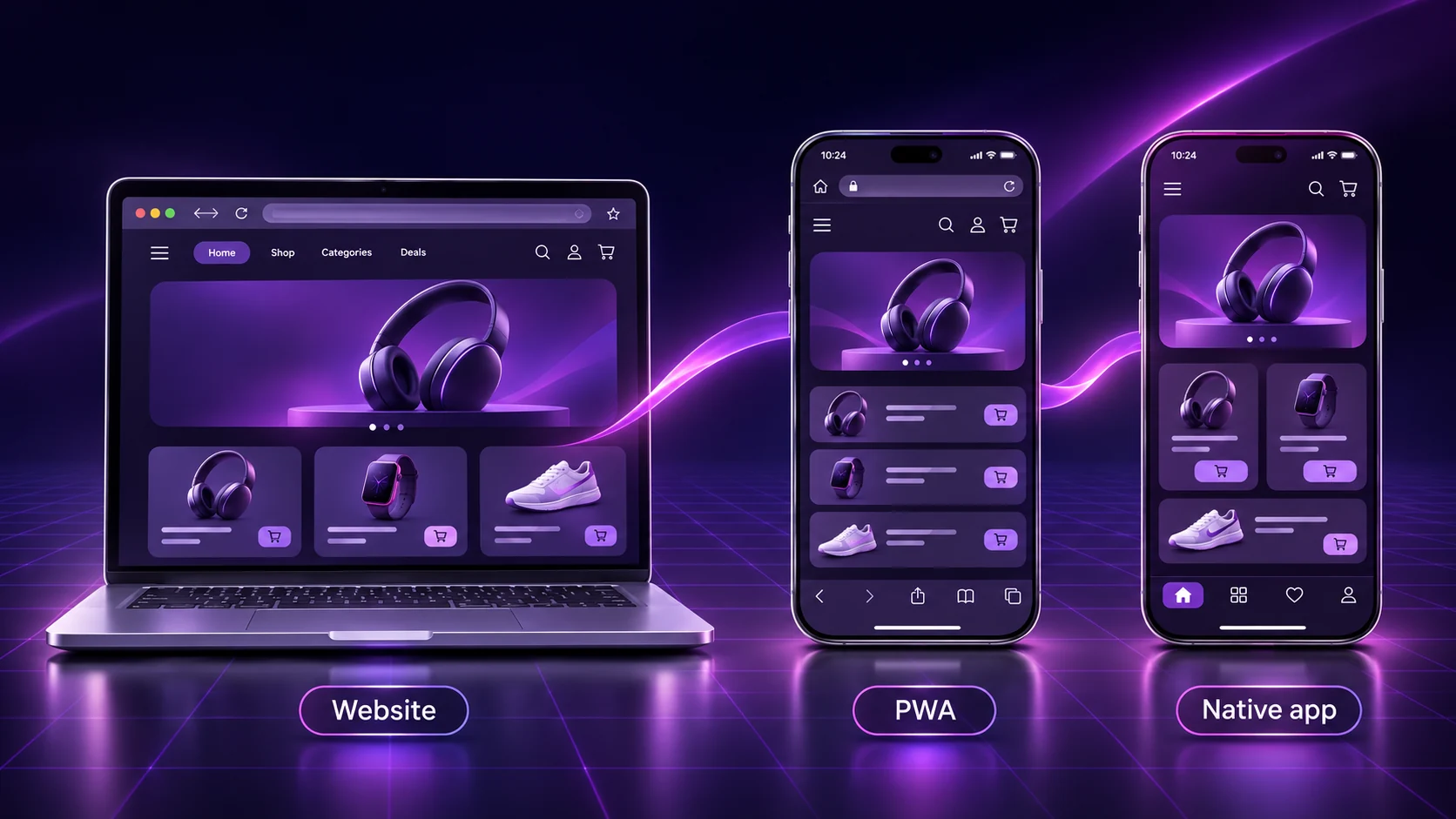
Compare PWAs, custom native apps and website-to-app builders through seven practical differences, ownership costs and a real-device testing checklist.
APPCRAFTO GUIDE
Test the customer journeys that matter instead of checking only the home screen.
SEE IT ON YOUR OWN WEBSITE
Test the website you already run.
Create a free Android test build, check your essential journeys on a real device and choose a publishing plan when you are ready.