Home›Case Studies›Asbaab Solar
Solar e-commerce · Case study
Asbaab Solar: a WooCommerce store turned into an Android app
A WooCommerce Android app case study showing how Asbaab Solar connected product research, quotes, survey bookings and shopping to its existing online store.
ASBAAB SOLAR · WOOCOMMERCE TO ANDROID
Solar research and shopping, one tap away.
A branded route to products, quotes and surveys, powered by the existing WooCommerce store.
Featured visual: illustrative storefront.
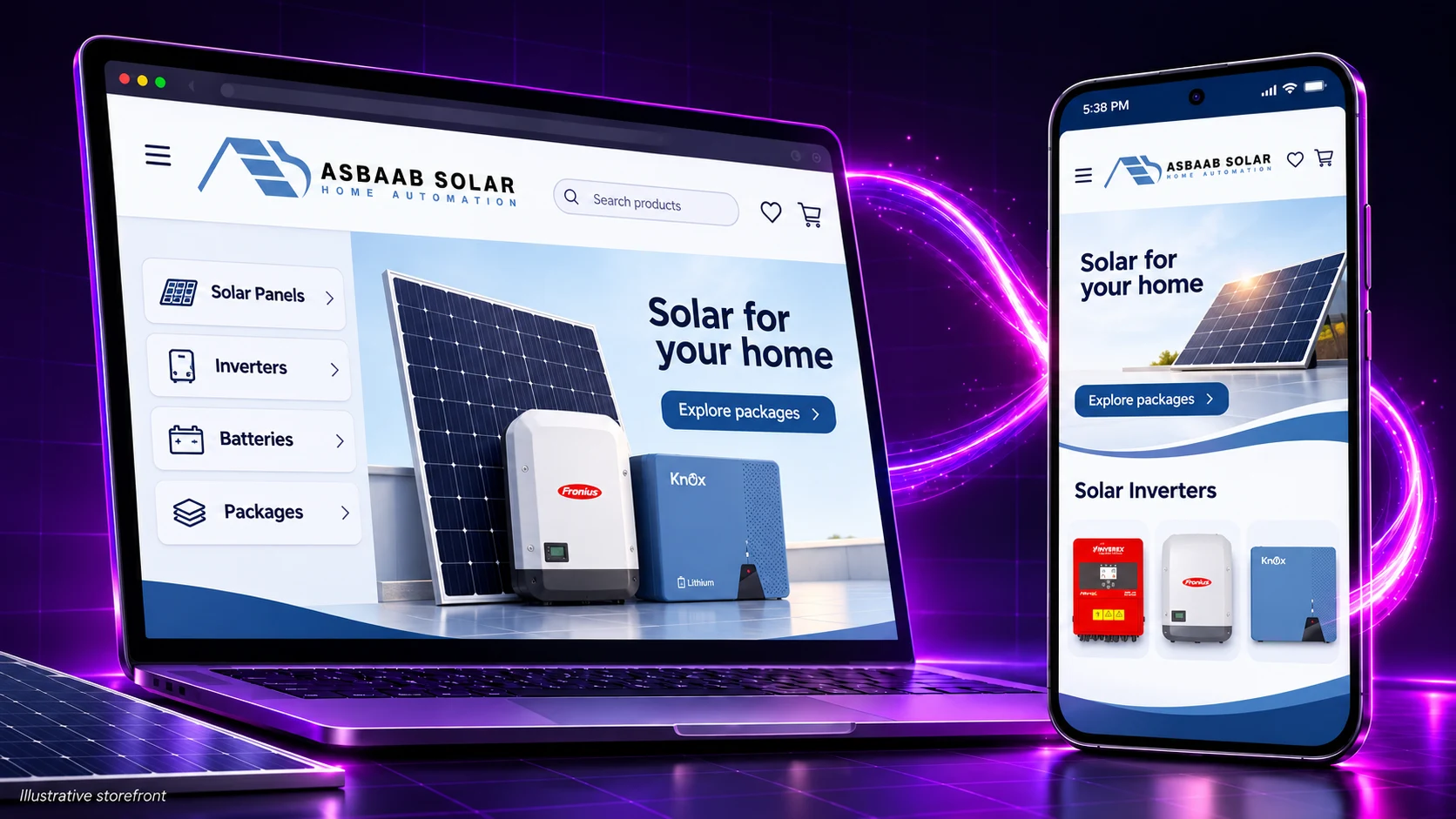
Asbaab Solar built a WooCommerce Android app with AppCrafto around its existing solar store. Customers gained a dedicated route to product research, comparison, quotes and shopping, while the team continued managing products and orders in WooCommerce.
Illustrative storefront visual.
Asbaab Solar at a glance
- Business: a solar retailer based in Gujrat, Punjab, serving households and businesses in Pakistan.
- Existing platform: a WooCommerce website with products, comparison, wishlist and shopping journeys.
- App platform: Android, with APK files for testing and AAB files for Google Play submission.
- Main journeys: research panels, inverters and batteries; explore packages; request a quote; book a survey; use the cart.
- Maintenance model: one live store, with supported app configuration managed separately.
The challenge: supporting a considered solar purchase
Solar customers often need several visits before choosing a system. They may compare panel wattages, inverter compatibility, battery specifications and warranty information, then discuss the options with an adviser. A useful shopping app has to support that research as well as the eventual order.
The Asbaab Solar website already provides the underlying store. Its catalogue includes panels, inverters, batteries and accessories, alongside packages, quote requests and survey booking. The app gives customers a branded route back to those existing journeys.
Creating a second catalogue would add maintenance work and increase the chance of differences between channels. The chosen approach kept the live WooCommerce store as the commerce source and added a recognisable app entry point around it.
Why a WooCommerce app builder suited this project
Asbaab Solar already had a web shopping experience to build on. AppCrafto’s role was to package that experience and configure supported mobile features, rather than replace the retailer’s product database or create a new order-management system.
- Repeat visits: the store’s own app name, icon and splash screen provide a familiar home-screen entry point.
- Changing catalogue information: the app loads the live store, so routine product and content updates remain in WooCommerce.
- A broad product range: configured navigation shortcuts can make important destinations such as packages, quotes and the cart easier to reach.
- Dense specifications: pinch-to-zoom and text-size controls help to support reading on smaller screens.
- Interrupted connections: a branded connection-error screen gives customers a clearer explanation when live content cannot load.
This approach still depends on a mobile-ready website. Product filters, account access, forms and checkout need to function inside the app. The e-commerce app converter buying guide explains the checks to make before choosing a platform.
Three features that support the buying journey
1. Notifications that invite customers back
Push integration uses OneSignal and Firebase configuration. Relevant messages could announce new stock, a package offer or an opportunity to book a survey.
Messages need an installed app, permission and a working delivery setup. Keep the frequency useful, send customers to the relevant destination, and test delivery and opening behaviour on actual devices.
2. More readable product details
Solar purchases involve technical details: capacity, dimensions, battery chemistry and warranty terms. The app includes pinch-to-zoom and a text-size slider up to 150%. These controls can support reading, but the underlying product pages must still respond well to larger text and small screens.
A practical check is to enlarge the text, inspect a specification table and move between two products without losing the customer’s place. Clear product photography and well-structured web content remain part of the retailer’s responsibility.
3. Link handling across shopping and advice
Some customers want to add an item to a cart; others need advice before ordering. The app configuration keeps suitable store journeys within the app and handles external destinations such as WhatsApp separately. A working handoff matters as much as the initial click.
Test messaging links on devices with and without the destination app installed. Then confirm that customers can return to the product, cart or form they were using. The app should preserve the existing buying journey wherever the underlying store supports it.
WooCommerce Android app: the build workflow
The project follows AppCrafto’s three-step website-to-app workflow:
- Connect the store: supply the existing website address and app name, and confirm that the important pages work on a phone.
- Configure the app: set the retailer’s branding, supported navigation, link handling and notification integration.
- Build and test: generate a cloud build, install it on an Android device and check the complete customer journey.
The build workflow provides an APK for device installation and an AAB for Google Play submission. These serve different distribution tasks; the APK versus AAB guide explains the distinction. An AAB does not prove that a store listing has been approved or published.
What to test before releasing a shopping app
For another retailer following this model, acceptance testing should cover the jobs a real customer needs to complete:
- Search by product or category, open specifications, compare products and revisit a wishlist.
- Add and remove cart items, update quantities and confirm the store’s current pricing and availability.
- Submit a quote request and survey booking, including validation errors and confirmation messages.
- Sign in, sign out and check supported account or order-history screens.
- Test checkout, payment redirects and both successful and failed payment outcomes using an appropriate test environment.
- Open external links, return to the app and recover after losing connectivity.
Use the app testing checklist before wider distribution. Checkout and personal data also remain subject to the store’s own privacy, payment and security setup.
A branded shopping experience, one store to manage
Asbaab Solar added a branded Android route to its existing product research and shopping experience. Customers can reopen the store from its own icon, while catalogue and order management stay in WooCommerce.
The operational advantage is a single catalogue. Routine web product and content changes generally appear through the same live store without a separate mobile content update. Changes to app identity, native integrations or platform requirements may still require a rebuilt release.
For a different marketplace using the same content-source principle, read the Pak Agri Market Android app case study.
WooCommerce Android app: frequently asked questions
How did Asbaab Solar turn its WooCommerce store into an Android app?
Asbaab Solar used AppCrafto to package its existing mobile storefront in a branded Android app. WooCommerce remained the catalogue and commerce system, while the app added a home-screen entry point and supported mobile configuration options.
Does a WooCommerce app builder create a second catalogue?
A website-powered app does not require a separate copy of the catalogue. Normal product, price and stock changes remain in WooCommerce and generally appear through the live store. App-level changes can still require a rebuild.
Can customers request a quote or book a solar survey in the app?
Yes, provided the existing website forms work correctly in the app. Test submitting a quote request, booking a survey and receiving the expected confirmation on real Android devices before launch.
Can WhatsApp links open outside the app?
Supported link-handling settings can open WhatsApp links in an installed app or an appropriate web destination. Test the configured link, device permissions and the return journey to the store.
Does the solar shopping app work offline?
The app does not automatically provide offline catalogue, cart or checkout transactions. Its connection-error screen can explain an interruption, but live shopping normally requires connectivity.
Does an AAB build mean the app is already on Google Play?
No. An Android App Bundle is a build format used for Google Play submission. The publisher must still complete account, listing, testing and policy requirements, and Google controls the review decision.
Build on the store you already run
Start with a store that works well on phones, identify the research and checkout journeys customers need, then create a test build. Sign up for AppCrafto, compare the current Android app plans, or discuss your store’s requirements before a wider launch.
MORE CASE STUDIES
Explore another mobile direction
CASE STUDY
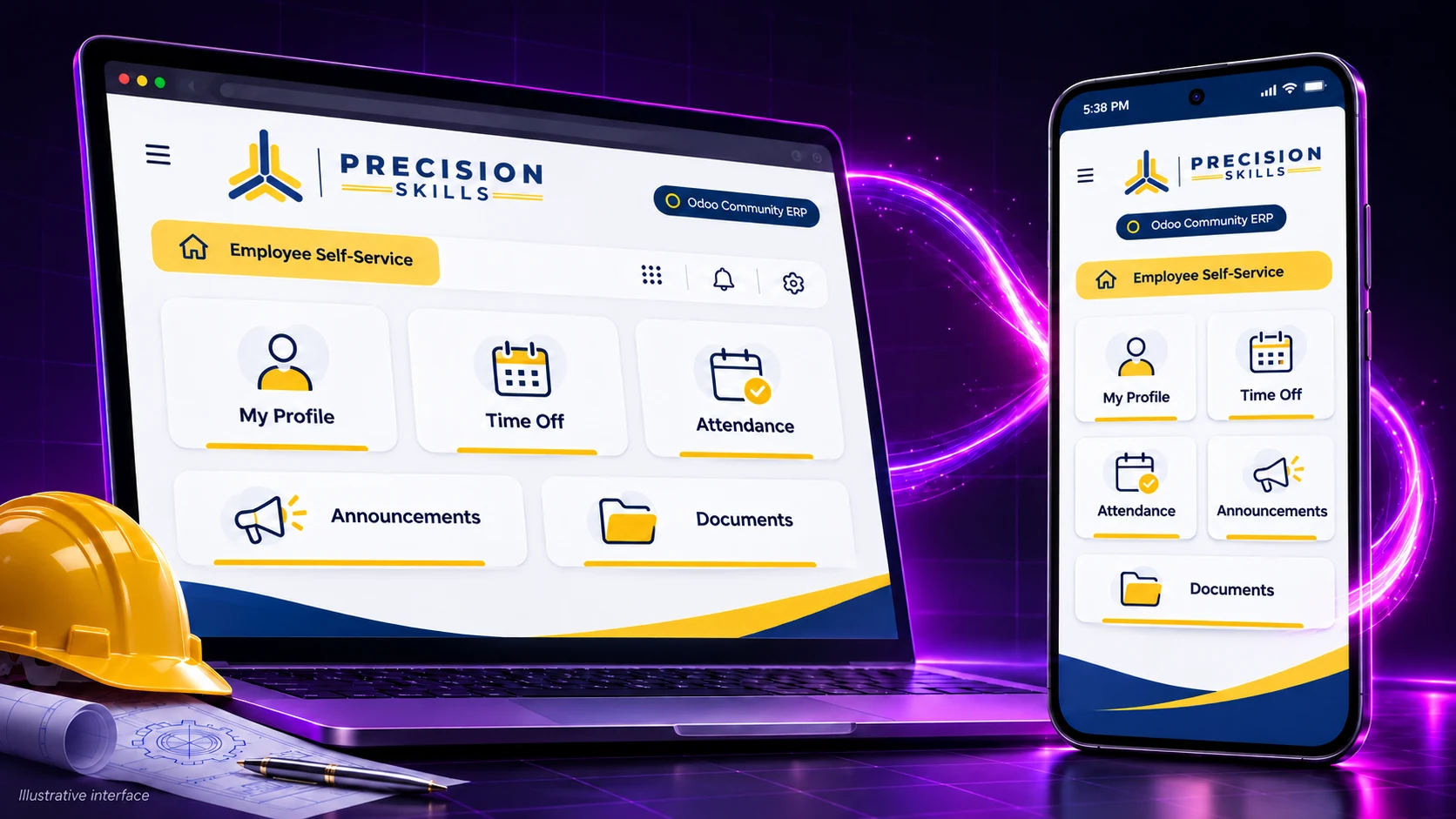
Precision Skills: an Odoo Community mobile app for employees
How Precision Skills International used AppCrafto to bring its Odoo Community ERP to Android and iPhone, with branded employee access and push notifications.
CASE STUDY
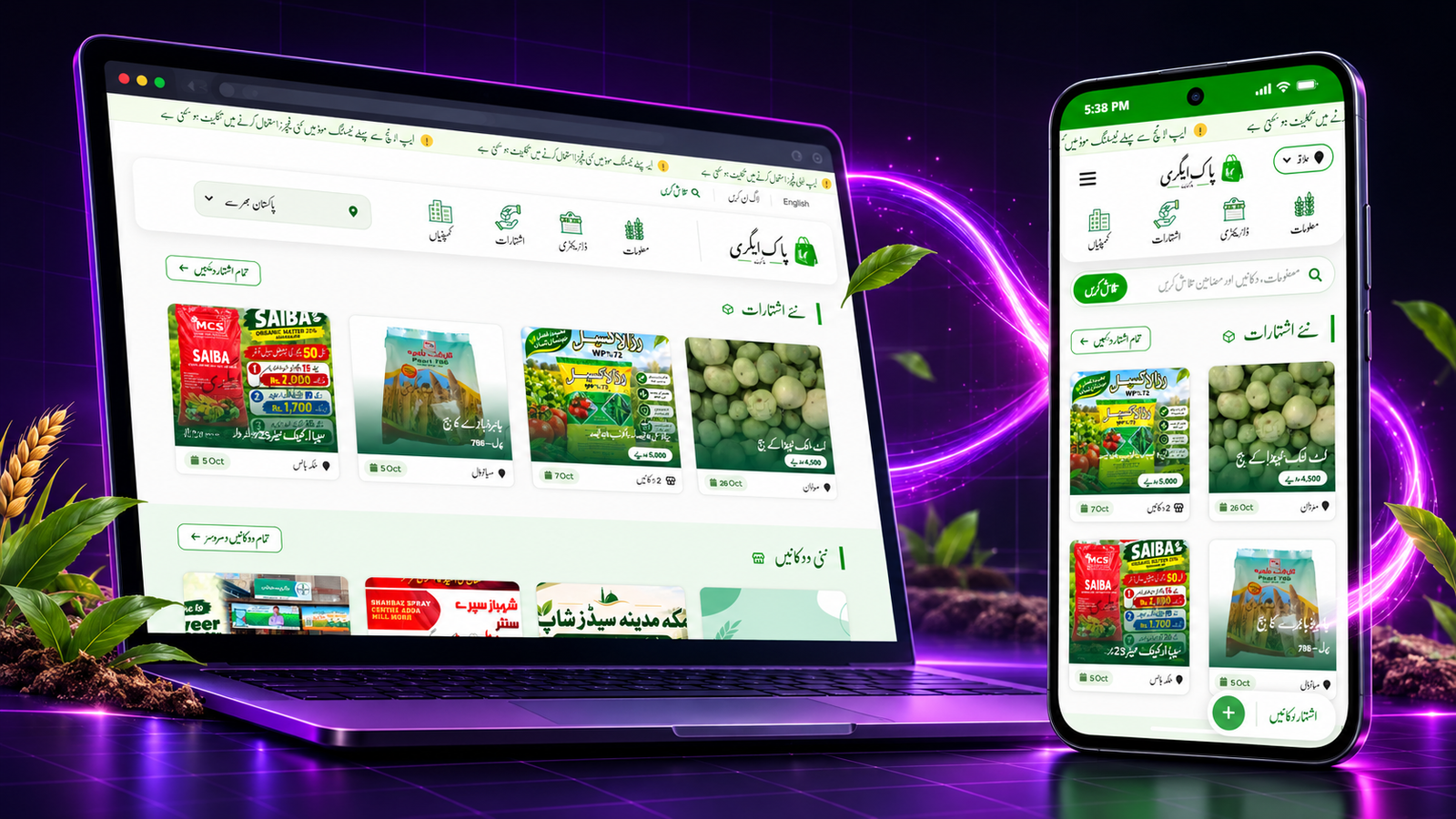
Pak Agri Market: an agriculture marketplace built as an Android app
How Pak Agri Market turned its existing agriculture marketplace into a branded Android app with AppCrafto, keeping listings and content in one place.
START WITH YOUR WEBSITE
See what your website feels like inside an app.
Create a free Android test build, check the important journeys on a real device and choose a publishing plan when you are ready.