Home›Case Studies›Asbaab Services
Services marketplace · Case study
Asbaab Services: a home services booking app built from WordPress
How Asbaab Services created a home services booking app with AppCrafto, connecting branded Android access to the services, regions and provider pages already maintained in WordPress.
ASBAAB SERVICES · WORDPRESS TO ANDROID
From finding a service to booking the next visit.
A branded Android entry point for customers and providers, connected to the existing services marketplace.
Featured visual: illustrative marketplace.
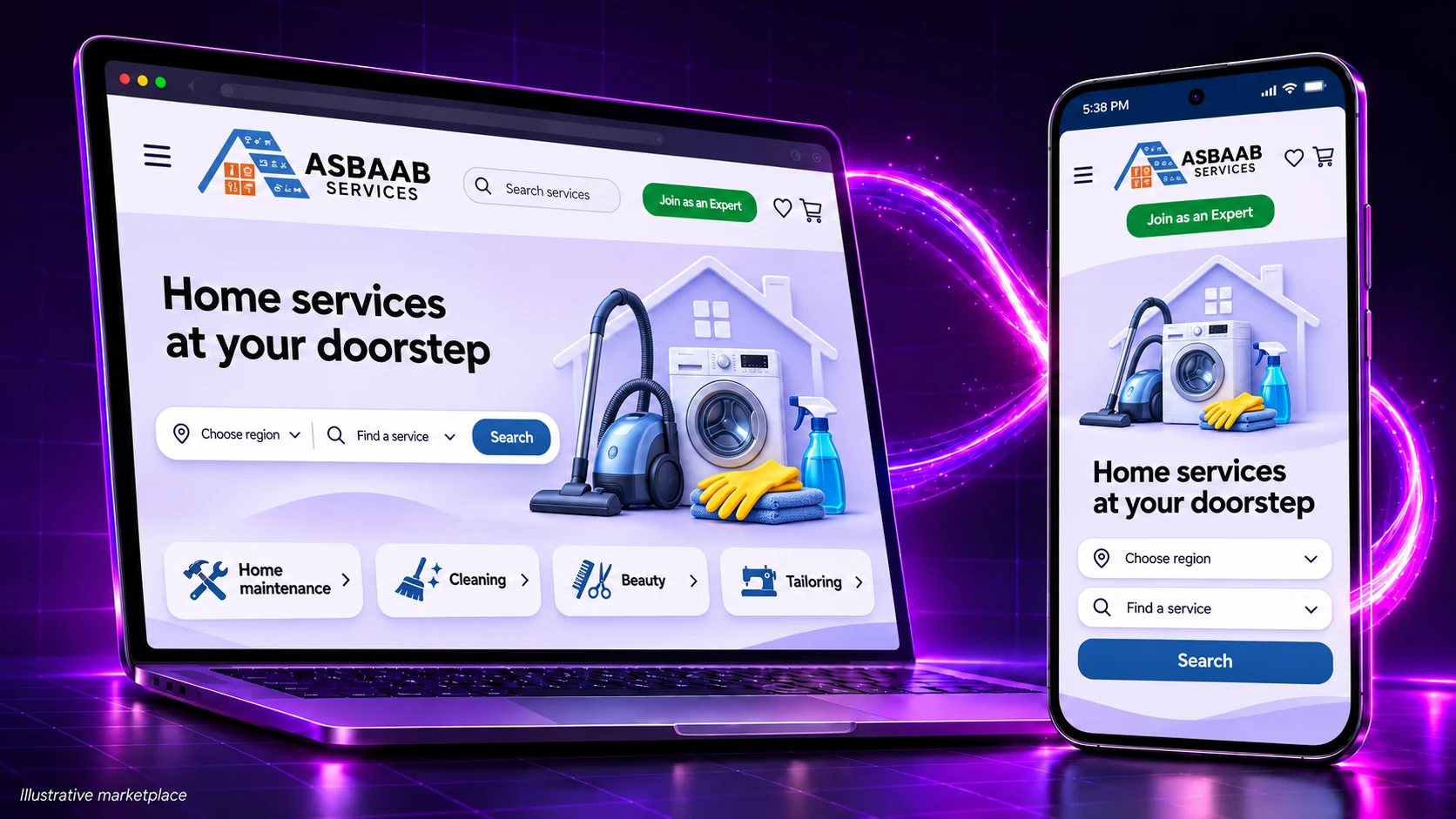
Asbaab Services used AppCrafto to turn its WordPress marketplace into a home services booking app for Android. The project added a branded route to service discovery and booking while keeping listings, regions and provider pages in the website already used by the business.
Illustrative marketplace visual.
The project at a glance
- Business: Asbaab Services, a doorstep-services marketplace run by Asbaab Limited.
- Catalogue: more than 300 services, as described by the business, across home maintenance and other service categories.
- Existing system: the WordPress marketplace, including service listings, regions and provider-facing pages.
- App platform: Android, with APK files for testing and AAB files for Google Play submission.
- Goal: make the existing marketplace easier to revisit from a branded home-screen icon.
The challenge: from finding help to returning for another booking
A home-services marketplace has to support several kinds of visit. One customer may need a repair quickly; another wants to compare provider information before inviting someone into their home. Cleaning, laundry and seasonal maintenance can also bring customers back repeatedly.
The Asbaab Services website already brings together service categories, regional search and booking-related journeys. The business lists locations including Gujrat, Gujranwala, Jhelum, Jhang, Mandi Bahauddin and Sialkot. Its public site also describes a catalogue of 300+ services.
The goal was a recognisable mobile entry point that kept service information in the existing WordPress marketplace.
A branded app can help people recognise and reopen a service, but it does not itself verify providers or guarantee service quality. Clear profiles, accurate information, appropriate support and the marketplace’s own operational checks remain essential.
A home services booking app around the existing website
AppCrafto supplied the app layer around Asbaab’s mobile website. The app configuration includes a name and icon, a branded splash screen, a custom loader and supported navigation controls. Customers enter the same marketplace through an installed app rather than only a browser address.
The underlying website continues to determine available services, regions, account permissions and booking behaviour. Normal web content changes generally appear through the app. App identity, native integration changes or platform requirements can still require a new build.
This follows AppCrafto’s website-to-app workflow: start with an existing mobile-ready experience, configure the app and generate a build to test. It is a suitable starting point when the website already delivers the journeys the app needs.
Four stages of the customer journey
1. Discover a relevant service
The app’s branding creates a familiar starting point. From there, customers use the marketplace’s service categories and region selection to narrow their search. The useful outcome is access to the right existing page, rather than an extra layer of navigation between the customer and the service.
2. Read the details before choosing
Provider photos, descriptions and booking terms need to remain readable on a phone. The mobile controls include pinch-to-zoom, a text-size slider up to 150% and pull-to-refresh. These options support the web experience; the service pages must still work properly at larger text sizes and on small screens.
For example, a customer comparing tailoring work or a cleaning service should be able to inspect the images, read the description and return to the previous results without losing their place.
3. Complete the booking journey
A configured bottom bar can give customers shortcuts to important destinations such as Home, Categories, Bookings and Account. Supported back-button behaviour can reduce accidental exits. Link handling can keep suitable marketplace pages inside the app and hand off external support or social destinations separately.
The connection-error screen explains an interrupted session. It does not provide offline booking or guarantee that a partly completed form is saved. Reconnection and confirmation behaviour need testing against the underlying booking system.
4. Return for another visit
OneSignal and Firebase push support can be configured for booking-related messages, seasonal reminders and new services. Notifications require permission and a working delivery configuration. Automatic booking-status messages also need the relevant booking-system integration; push capability alone does not prove that automation exists.
Messages should open a useful destination and respect customer preferences. A seasonal reminder to check a service is different from a confirmation that a booking has been accepted, and the implementation should preserve that distinction.
The provider side of the marketplace
Asbaab also has a provider-facing entry point through its “Join as an Expert” journey. The app can expose the existing website’s provider and account pages, rather than requiring a separate provider database or recruitment tool.
Availability still depends on website configuration. Expert registration must be enabled for the intended audience, and each account must retain the correct permissions. App packaging does not activate a disabled form or grant access to another provider’s records.
APK files also provide a direct-sharing route. Any distribution route should use a trusted release file and give recipients clear installation and support instructions. An APK shared directly is separate from a Google Play listing.
Home services booking app: the WordPress build workflow
- Connect: enter the existing marketplace address and app name.
- Configure: set branding, supported navigation, external-link handling and notification details.
- Build: generate an Android APK and, where selected and supported, an AAB through the cloud workflow.
- Test and distribute: install a release on real devices, complete customer and provider journeys, then follow the chosen distribution process.
The APK and AAB guide explains the different file formats. A Google Play release also requires developer-account setup, testing, listing assets and review. See the Google Play preparation guide before planning a launch date.
This project focuses on Android. A later iPhone release would be a separate platform rollout, with the applicable plan, signing credentials, device tests and Apple review. Check current AppCrafto platform coverage and plans rather than assuming an iOS app is already available.
Testing the home services booking app before rollout
- Choose a region, search a service and verify that results and availability agree with the website.
- Open provider details, enlarge text, inspect images and return to the search results.
- Test login, booking steps, validation messages, confirmation and any supported payment return flow.
- Check customer and provider accounts separately, including logout and restricted pages.
- Test external support links, notification destinations, permission choices and reconnecting after a weak connection.
The app testing checklist provides a starting point. Add the marketplace’s own booking and provider checks before giving the build to a wider audience.
A branded booking experience, one marketplace to manage
Asbaab Services brought its WordPress marketplace into a branded Android app, with supported navigation and notification configuration. The team continues managing services and regions in WordPress.
Future listing and regional changes can generally flow through the same live website. Significant changes to login, booking plugins or payment handling should trigger focused app testing, while native configuration changes may require a rebuilt release.
Home services booking app: frequently asked questions
How did Asbaab Services create its home services booking app?
Asbaab Services used AppCrafto to package its existing WordPress marketplace as a branded Android app. The app brings together branding, navigation shortcuts, link handling, notifications and cloud-generated APK and AAB files.
Does the app need a separate copy of the service catalogue?
No separate catalogue is required for this website-powered approach. The live WordPress site remains the content source. Routine listing and region changes generally appear through the app, while app configuration changes can require a rebuild.
Can customers book services through the Android app?
Customers can use the booking journeys provided by the existing website when those journeys work correctly inside the app. Test region selection, provider details, availability, login, booking confirmation and any payment steps before rollout.
Can service providers use the same app?
The app can expose the website’s existing provider and account pages. Provider registration and account permissions remain controlled by the website; packaging a site does not enable a registration flow that is disabled there.
Can the app send booking updates and seasonal reminders?
Configured push integrations can support relevant notifications. App installation, notification permission and a working delivery setup are required. Automatic transactional updates need the appropriate integration with the booking system and should not be assumed from push support alone.
Does the AAB mean Asbaab Services is already approved on Google Play?
No. An AAB is the package used for Google Play submission. Publication also requires the developer account, testing, store listing, policy declarations and Google review.
Turn your existing service website into a test app
Start by checking the mobile booking experience your customers already use. Then create an AppCrafto account for a test build, or discuss your service marketplace requirements before a wider release.
MORE CASE STUDIES
Explore another mobile direction
CASE STUDY
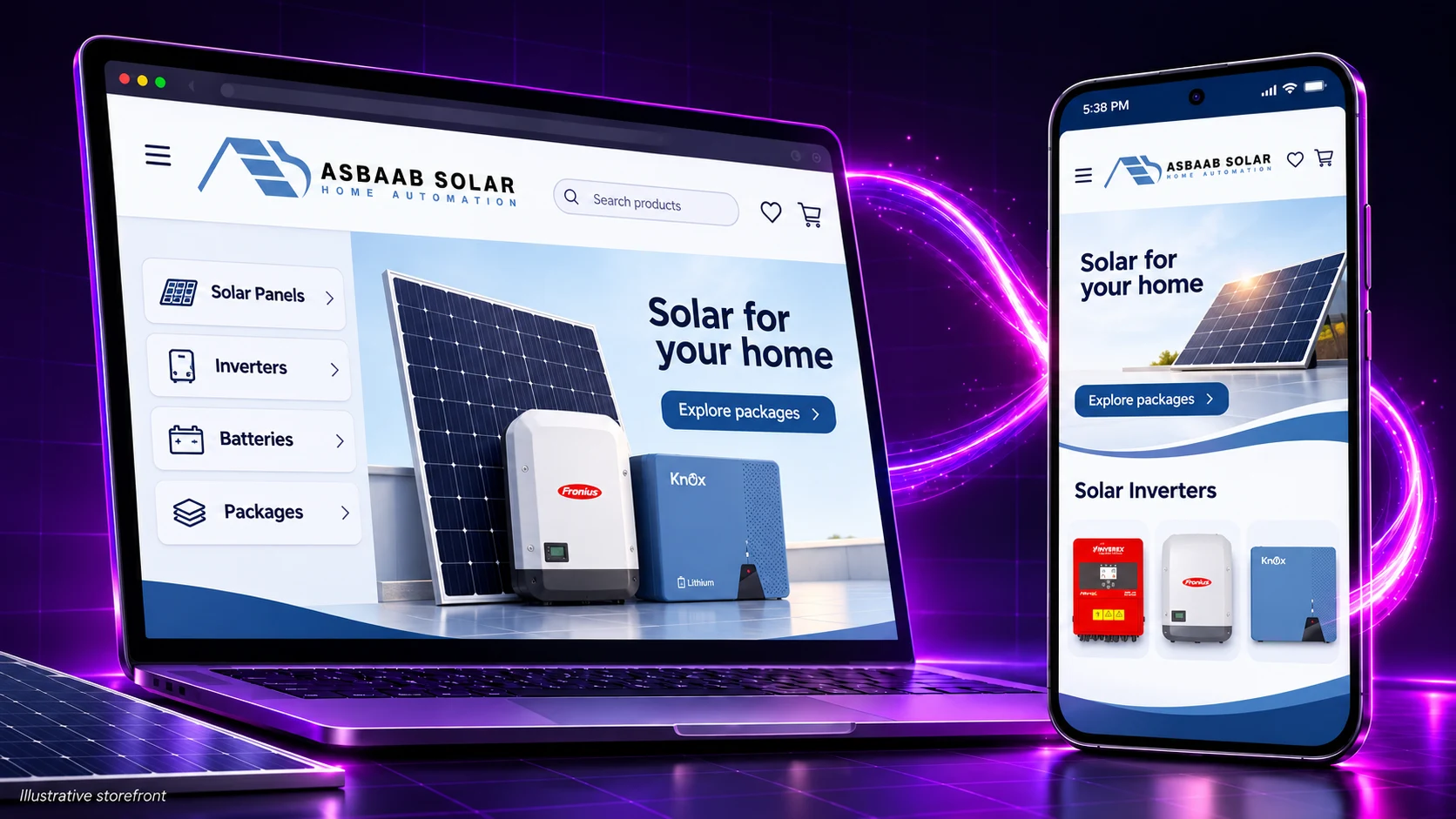
Asbaab Solar: a WooCommerce store turned into an Android app
How Asbaab Solar used AppCrafto to turn its WooCommerce store into a branded Android app for solar product research, quotes, survey bookings and shopping.
CASE STUDY
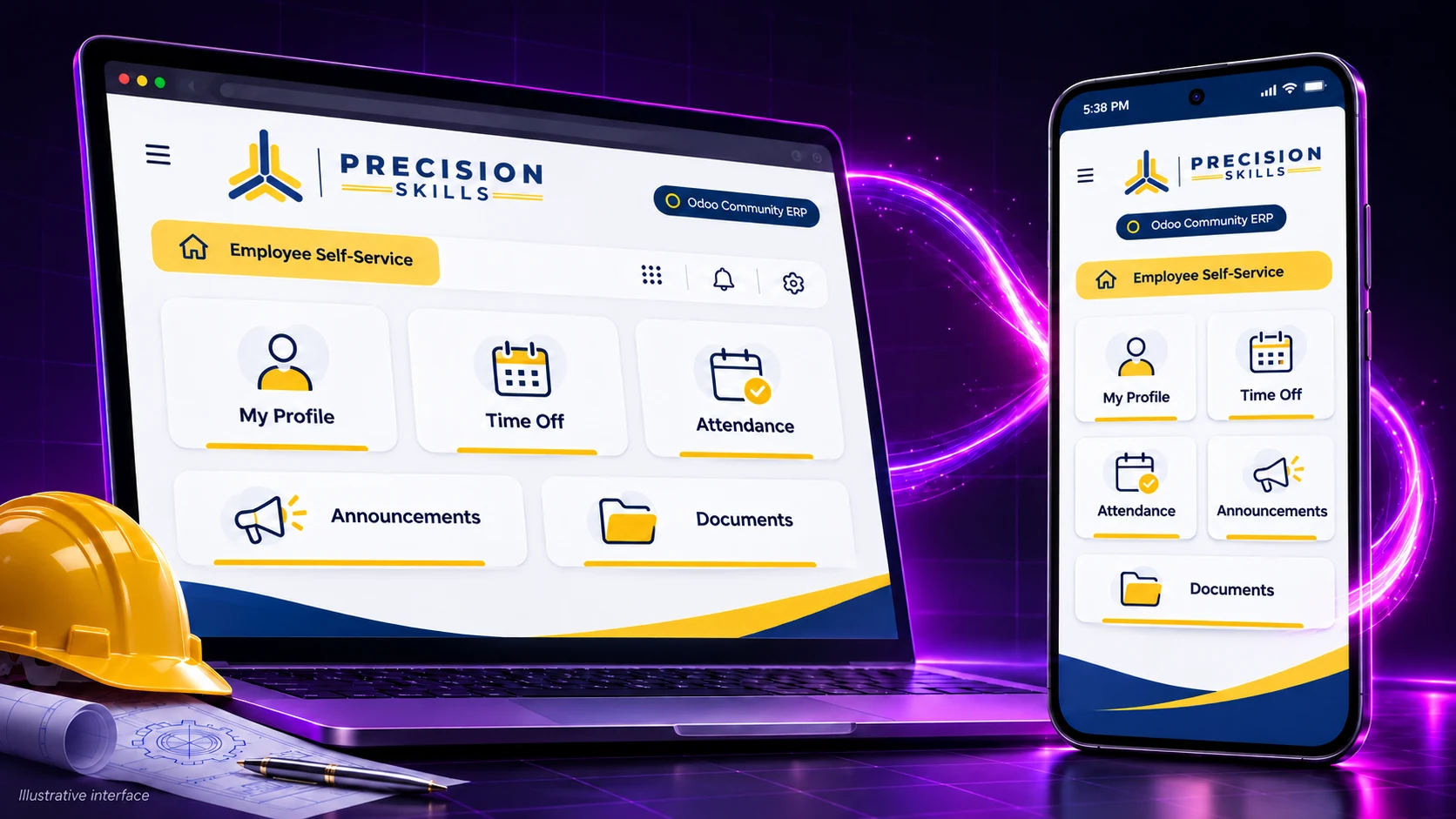
Precision Skills: an Odoo Community mobile app for employees
How Precision Skills International used AppCrafto to bring its Odoo Community ERP to Android and iPhone, with branded employee access and push notifications.
START WITH YOUR WEBSITE
See what your website feels like inside an app.
Create a free Android test build, check the important journeys on a real device and choose a publishing plan when you are ready.