Website to App
Website to Mobile App: 7 Practical Decisions Before You Build
Moving from a website to mobile app can give returning customers a recognisable place to shop, book or sign in. The best starting point is a useful mobile website and a clear reason to install its app. This guide explains seven decisions that help you choose the right conversion route, control ongoing costs and launch a mobile experience people can use.
WEBSITE TO MOBILE APP · PLANNING GUIDE
Your website.
A mobile app with a purpose.
Choose the right route, test the important tasks and plan for life after launch.
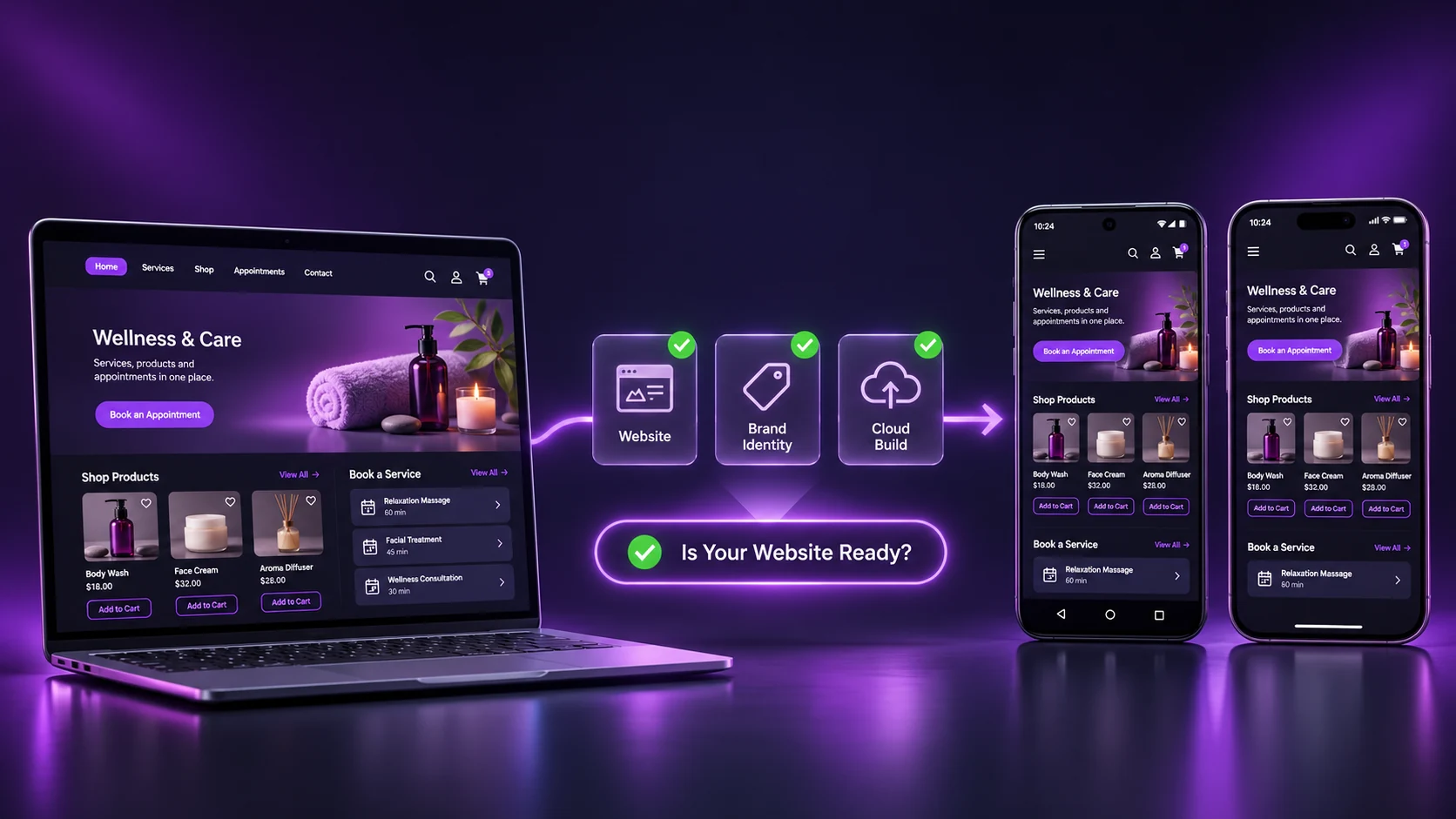
Original concept illustration; not a builder screenshot.
Website to mobile app: what is the simplest route?
To turn a website into a mobile app without coding, use a compatible website-to-app converter, supply your HTTPS URL, add your app identity and generate a test build. Confirm that your important customer tasks work on real devices before choosing a publishing plan and submitting the app to Google Play or the App Store.
AppCrafto follows a practical three-part build workflow: website URL, branded identity, then cloud build and testing. Store submission is a separate release stage. You can start with a free Android test build and use it to investigate compatibility before paying for a publishing plan.
This article focuses on deciding what to build and what to budget for. If you have already chosen a converter, our step-by-step conversion tutorial covers the detailed setup and testing process.
What does website to mobile app conversion actually change?
Website to mobile app conversion usually places your existing web experience inside a mobile application, with supported app navigation, branding and device features around it. Your website still serves its pages and business data. Conversion does not automatically rewrite those pages as an independently designed native interface.
A WebView is an embedded component that can display web content within an app. Android’s official WebView documentation explains that it is different from a full web browser: the surrounding app supplies the controls and behaviour it needs. This distinction explains why browser compatibility is a starting check, rather than a substitute for an installed-app test.
Think in two layers: your website manages products, articles, appointments and accounts; the app provides an installed entry point and its supported mobile features. Decide who will maintain each layer before release.
7 decisions before you turn a website into a mobile app
A good website to mobile app project begins with a short release brief. Use the following decisions to establish whether a converter is suitable, which platform to launch first and what evidence you need before buying a plan.
1. Give people a reason to return
Choose one frequent task that becomes easier to revisit through an app. A returning shopper may want to reorder supplies. A customer may need to manage recurring appointments. An employee may need regular access to an existing company portal. These are more specific reasons to install than simply having an app icon.
A brochure site used once a year may benefit more from clearer mobile pages and better enquiry forms first. Ask existing customers what they return to do, how often they do it and what interrupts that task. Use the answers to choose the first release instead of copying every menu item into app navigation.
Write the proposed outcome in one sentence: “A returning customer can find a previous order and place it again without losing their account session.” That sentence becomes your acceptance check. An app can support the journey; it does not guarantee higher sales or retention.
2. Choose a converter, PWA or custom app for the actual job
A no-code converter is worth testing when your mobile site already handles the business process. You can preserve its catalogue, booking engine or publishing workflow and evaluate the app shell around it. This often reduces the scope of work compared with building a separate interface and maintaining a second implementation.
Other requirements may point elsewhere. Extensive offline work, specialist hardware or a substantially different mobile interface can require custom development. A progressive web app may be sufficient when web installation and browser-supported features meet the audience’s needs.
| Route | Best starting situation | Work to plan for |
|---|---|---|
| Website-powered app | A working mobile site and recurring customer tasks | Compatibility tests, app identity, supported integrations and store release |
| Progressive web app | A web experience where browser capabilities and installation meet the need | Web development, browser support checks and any offline strategy |
| Custom mobile app | A different interface, substantial offline logic or specialised device integration | App development, backend integration and ongoing release engineering |
Compare the trade-offs in our PWA versus native app guide. If you are comparing suppliers, the website-to-app converter comparison is the next useful read. A provider shortlist should follow your requirements rather than decide them.
3. Prove that the website is ready for an installed app
Open the production HTTPS website on the phones your customers use. Check readable text, accessible buttons, menus, product variants and form fields. Make sure the keyboard does not cover important controls and that error messages explain how to recover. Fix website-level problems before paying to package them.
Then investigate transitions that can behave differently in an embedded browser: social sign-in, payment authentication, document downloads, file uploads and links to other apps. Confirm the requirements with your provider. A converter cannot promise compatibility with every combination of plugins, login services and payment gateways.
For a WordPress website-to-app project, record the theme, booking or store plugins and authentication method used during testing. The same principle applies to a custom CMS: the backend language matters less than the actual mobile journeys, redirects and supported browser features.
4. Budget for the whole release, not just the first build
The converter fee is one part of website to mobile app cost. Include website hosting, developer accounts, required integrations, testing work and support. A custom-development quote should likewise specify the interface, backend connections, platform coverage, fixes and maintenance included; a headline quote alone is not a useful comparison.
At the time of writing, AppCrafto lists a Free Android option, Launch for Android and Pro for Android and iPhone. Monthly prices are $5 for Launch and $14 for Pro; yearly and lifetime options are also listed. Check the current AppCrafto pricing and feature details before purchase.
| Budget item | Question to answer | Record before buying |
|---|---|---|
| App plan | Does it cover Android, iPhone or both? | Billing period, app count and feature limits |
| Store accounts | Who owns and pays for developer membership? | Account owner, fees and renewal responsibility |
| Website operations | What keeps the existing site running? | Hosting, domain, CMS and paid plugins |
| Testing and support | Who checks purchases, bookings and login? | Devices, time, support scope and release contact |
| Future releases | What happens when app configuration changes? | Rebuild availability, store submissions and ongoing plan terms |
Read the Refund Policy before generating publishing builds. It sets a 15-day request window and conditional full or partial refunds based on build activity, with consequences for app access after approval. Free testing, a refund request and guaranteed approval are different things.
5. Decide which brand and mobile features are essential
Start with a recognisable name, an icon that works at small sizes and colours consistent with your website. Keep navigation short: the first screen should lead to the recurring task you selected. Ask whether the app needs customer accounts, a saved catalogue, booking access or notification links to specific pages.
If push notifications are part of the business case, confirm platform and plan availability, permission behaviour and destination handling before purchase. Test what happens when a user declines permission or opens a notification after signing out. Treat the feature as a complete customer journey, not just a checked box in a comparison table.
Cloud builds can reduce the need to run a local mobile build environment yourself. They do not remove testing, account ownership or store responsibilities. Retain the project settings and know who can generate and release a replacement build.
6. Separate a successful build from a publishable app
A generated app file proves that a build completed. Store review also examines the app experience, content, disclosures and compliance. Prepare useful reviewer instructions, working test accounts where required, accurate screenshots and a privacy policy describing the actual app and its third-party services.
Apple’s App Review Guidelines include minimum-functionality requirements; a repackaged website alone is not a promise of acceptance. Google Play’s Data safety guidance makes developers responsible for accurate declarations, including relevant third-party code. Build your submission around what the app really does.
Some Google Play accounts also have a mandatory testing stage before production access. Check the official personal-account testing requirements and our closed-testing guide when scheduling release. Do not promise customers a store launch date solely from the cloud build time.
7. Assign ownership for updates and customer support
A website-powered app can continue using the content your live website serves. Updating a product description or publishing an article generally does not mean rebuilding that content in a second CMS. Users still depend on the website, its availability and any relevant caching or session behaviour.
Changes to app identity, native configuration or build-level integrations may require a new binary and store update. Major CMS, checkout or authentication changes should trigger focused device testing even when no new app file is needed.
Assign a website owner, an app release owner and a customer-support contact. Keep developer accounts under the business’s control and document how access is recovered if a team member leaves. This is how a modest conversion project stays maintainable after launch.
A website to mobile app example: a repeat-order store
Consider an illustrative independent store with a mobile-ready catalogue, customer login and online checkout. Its customers often buy the same supplies. The proposed app should make returning to those existing tasks convenient, while the team continues managing stock and orders through the website.
The owner first checks whether customer login, payment authentication and order history work inside a test app. If they do, the first release can focus on repeat purchasing. If checkout fails, the team investigates that flow before buying a release plan. There is no measured sales result or assumed completion time in this example.
- Add the website: create an AppCrafto project using the store’s canonical HTTPS address.
- Set the app identity: add the shop’s recognisable name, icon and colours, then configure the supported navigation needed for products and accounts.
- Build in the cloud and test: install an Android test build and complete the repeat-order journey using safe test orders. Prepare store submission only after essential checks pass.
Compare those decisions with the Asbaab Solar WooCommerce app case study. For a different business model, see how the Asbaab Services booking app keeps an existing service marketplace at the centre of its mobile experience.
What should pass before you publish?
Use a small acceptance sheet with an expected result for every important task. Run it on the installed app, not just on the website. Repeat failures with the same account and device so that your support request includes a clear reproduction path.
| Journey | Expected result | Release blocker |
|---|---|---|
| Sign in and return | User reaches their own account and can sign out | Login loop, lost session or another user’s information |
| Purchase or book | A test transaction completes with the correct confirmation | Broken payment return, duplicate submission or missing booking |
| Navigation and external links | Back navigation and hand-offs lead to the intended place | A trapped screen or an unexpected destination |
| Permissions and interruptions | Declining a permission or losing the connection has a clear recovery path | A blank screen or an unusable essential task |
| Content update | A controlled website edit appears as expected in the app | Outdated critical content with no understood refresh behaviour |
Include target languages, currencies, delivery regions and accessibility needs in those tests. A website to mobile app release for a worldwide audience should be tested against its actual markets rather than one convenient demo account. Our app testing checklist helps organise the wider review.
Keep a release record for each website to mobile app test: build version, device, operating system, website configuration, test date and outcome. When a payment or login problem appears later, this record helps distinguish a new website issue from an app change. Recheck the failed journey after a fix and keep the previous result for comparison.
Website to mobile app: frequently asked questions
Can I turn my website into a mobile app without coding?
Yes, a compatible no-code converter can package your mobile website in a branded app. You still need to configure the project, test its important journeys and meet store requirements. Website changes or specialist integrations may need technical help.
What is the difference between a website and a website-powered app?
A website opens through a browser. A website-powered app is an installed application that displays your web experience with supported app navigation, identity and mobile features around it. The website remains responsible for the content and server-side workflows it serves.
Can I convert a website to a mobile app for free?
AppCrafto offers a Free Android option for trying a website in an installed app. That does not mean free iOS publishing or free developer accounts. Compare current plan limits, branding and publishing support before deciding which release option fits.
How much does website to mobile app conversion cost?
The total includes the app plan, relevant developer accounts, website operations, testing and ongoing maintenance. AppCrafto currently lists Launch at $5 monthly for Android and Pro at $14 monthly for Android and iPhone, with other billing options. Check live pricing for current terms.
Will my existing checkout and customer accounts work?
They may work when the website and its integrations are compatible, but compatibility must be tested. Check login, payment authentication, redirects, order confirmation and account recovery in the installed app. A successful browser test alone is not enough.
Does the app update when I change my website?
Live pages generally continue to come from your website, so content can change without maintaining a second catalogue or publishing system. App-level identity and native configuration changes may need a new build. Retest major website changes and account for caching behaviour.
Will Apple and Google automatically approve a converted app?
No. Both stores apply their own review requirements. Prepare a useful working experience, accurate disclosures, listing assets and reviewer access where required. A converter, a paid plan or a completed build cannot guarantee store approval.
Should I choose Android or iPhone first?
Start with evidence about the devices your audience uses, your test resources and the tasks the app must support. A free Android test can help evaluate the website-powered approach, but iPhone compatibility and release requirements still need their own checks if iOS is part of the plan.
Start with one useful task and one tested build
The right website to mobile app route preserves what already works and makes recurring tasks easier to reach. Define the audience, test the difficult integrations and understand who will maintain the website and app after launch.
Create your free Android test project, follow how AppCrafto works and compare the plans for your target platforms. If your site relies on unusual authentication, payments or device features, discuss those requirements with AppCrafto before committing to a release.
KEEP READING
More from the AppCrafto blog
APPCRAFTO GUIDE
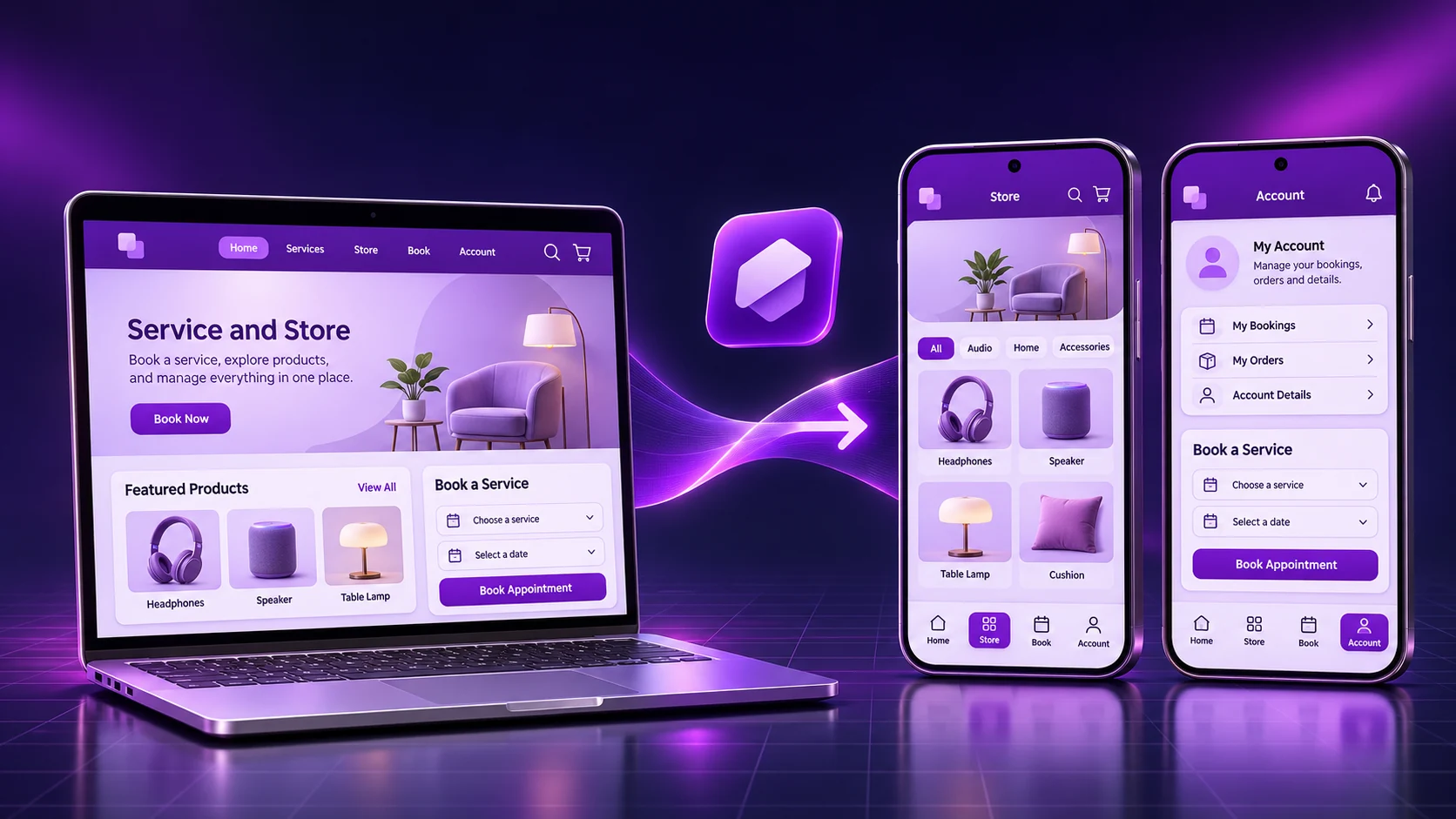
A practical website-to-app walkthrough: configure a branded project, test login and customer tasks, troubleshoot failures and prepare Android or iOS publication.

APPCRAFTO GUIDE
Compare the best website to app converters for small businesses worldwide by price, ease of use, app-store readiness and ongoing maintenance.
APPCRAFTO GUIDE
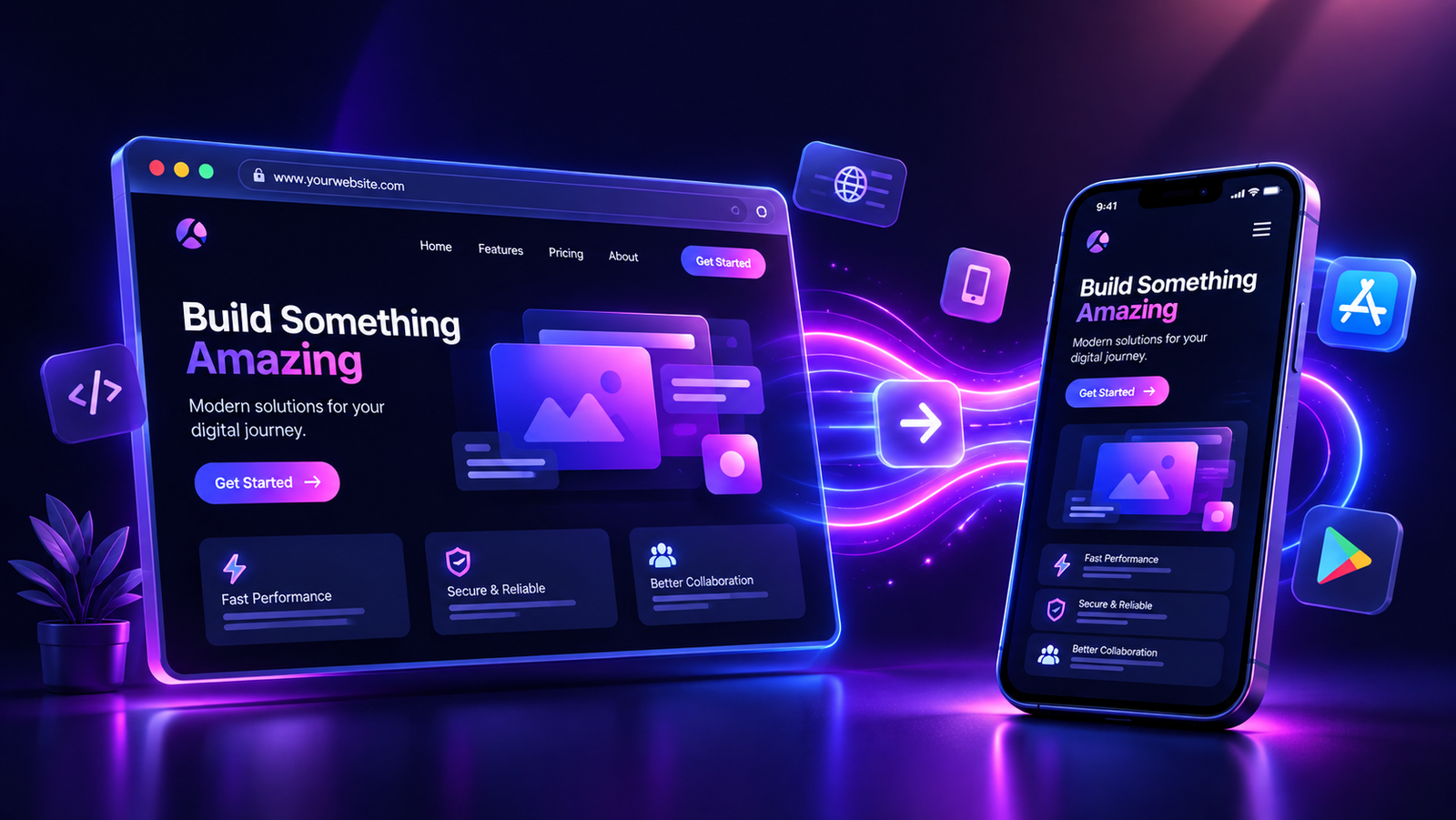
Test the customer journeys that matter instead of checking only the home screen.
SEE IT ON YOUR OWN WEBSITE
Start with a real device test.
Create a free Android test build and check the tasks your customers return to complete.